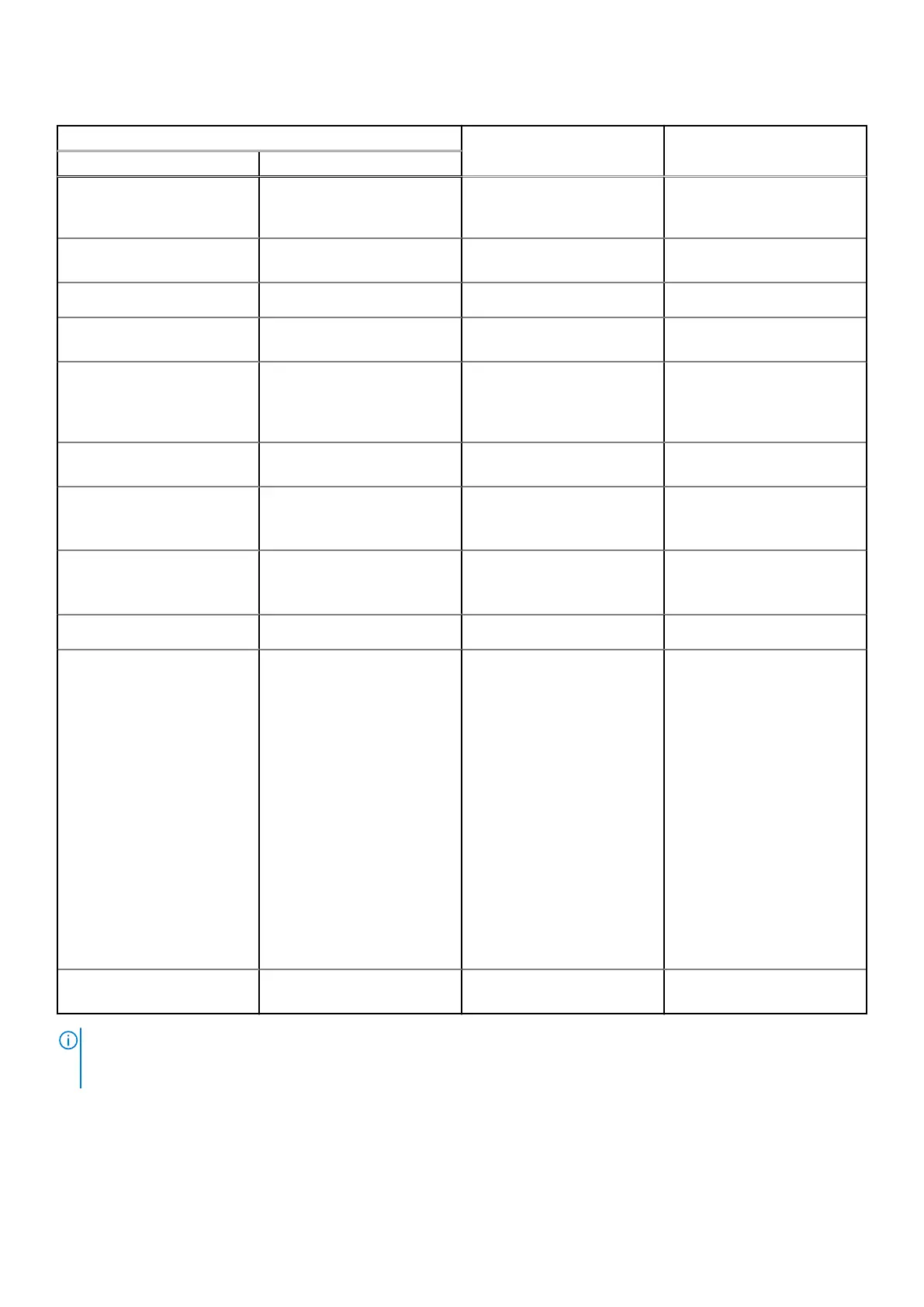
Table 53. System-diagnostic lights(continued)
Blinking pattern
Problem description Suggested resolutionAmber White
● If the problem persists,
replace the memory
module.
2 6 System board or Chipset
Error
Replace the system board.
2 7 LCD failure (SBIOS message)
Replace the LCD module.
2 8 LCD failure (EC detection of
power rail failure)
Replace the system board.
3 1 CMOS battery failure
● Reset the main battery
connection.
● If the problem persists,
replace the main battery.
3 2 PCI or Video card or chip
failure
Replace the system board.
3 3 BIOS Recovery image not
found
● Flash latest BIOS version
● If the problem persists,
replace the system board.
3 4 BIOS Recovery image found
but invalid
● Flash latest BIOS version
● If the problem persists,
replace the system board.
3 5 Power rail failure
Replace the system board.
3 6 Flash corruption is detected
by SBIOS.
● Press the power button
for over 25 seconds to
do RTC reset. If the
problem persists, replace
the system board.
●
Disconnect all power
source (AC, battery, coin
cell) and drain flea power
by pressing and holding
down the power button
3~5 seconds to ensure all
power are drained.
● Run "BIOS recovery from
USB", and the instructions
are in the website
Dell
support.
● If the problem persists,
replace the system board.
3 7 Timeout waiting on ME to
reply to HECI message.
Replace the system board.
NOTE: Blinking 3-3-3 LEDs on Lock LED (Caps-Lock or Num-Lock), Power button LED (without Fingerprint reader), and
Diagnostic LED indicates failure to provide input during LCD panel test on Dell SupportAssist Pre-boot System Performance
Check diagnostics.
132 Troubleshooting












 To Next Page