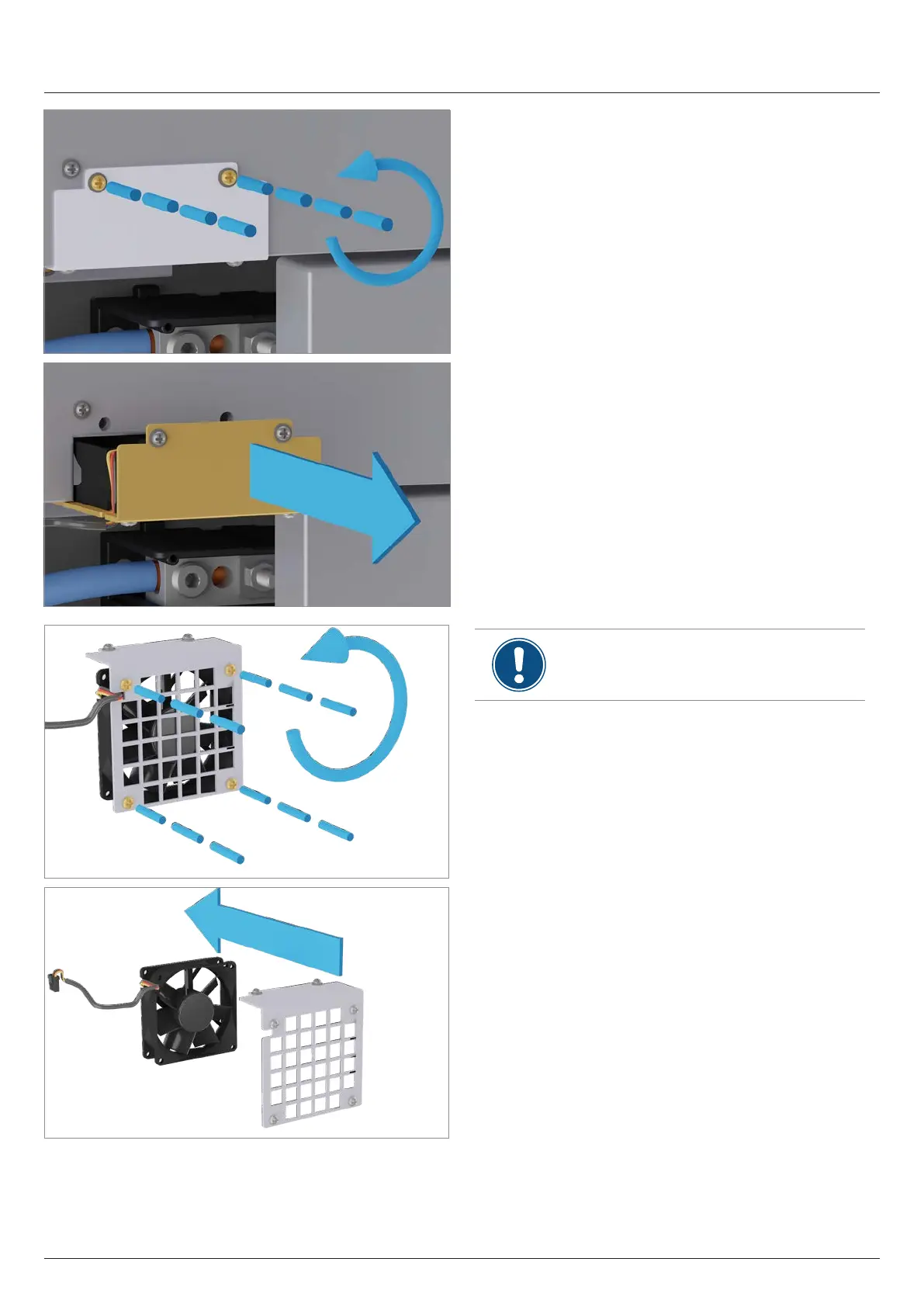
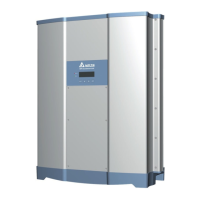
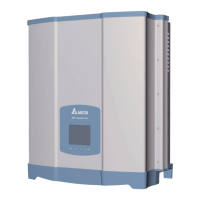
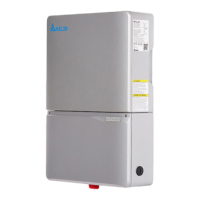
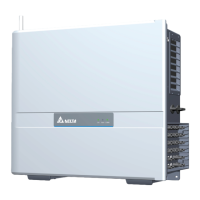
2. Unscrew and pull out the cover. The fan is screwed onto
the cover.
∫
This work step must only be carried out if the
fan is to be replaced. The work step is not
necessary for cleaning the fan.
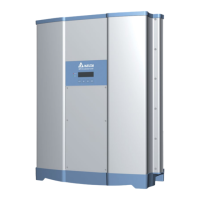
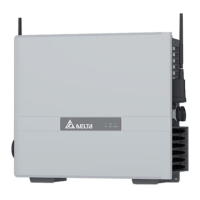
3. Unscrew the fan from the cover and pull it out.
101
11 Replacing or cleaning components, installing accessories
Clean/replace internal fan 1
Installation and Operation Manual M50A_260 RPI503M260000 Product version L and M EU V1.3 EN 2023-08-14


 To Next Page