91
BHT-1600 Handy Terminal User Manual
USB TETHERING
To share data connection through USB tethering:
1) Connect the handy terminal with a USB cable. A USB icon will appear at the top of the
screen, and in the Notifications Drawer, a description “Connected as USB Storage”
will appear.
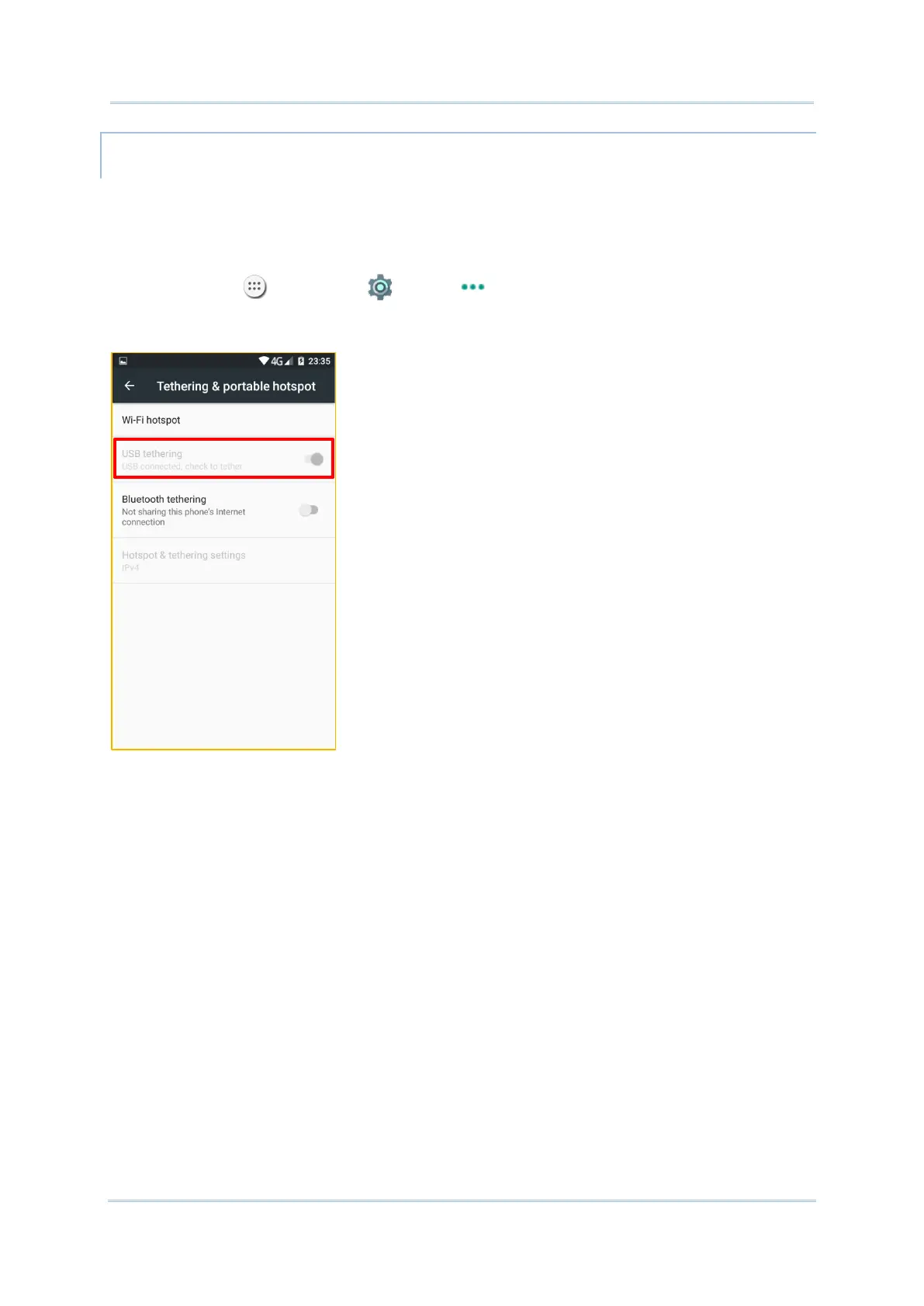
2) Tap All Apps | Settings | More | Tethering & portable hotspot.
3) Tap USB tethering. The handy terminal will share its WWAN network with the
connected host computer.



 To Next Page