15
BHT-1600 Handy Terminal User Manual
USE CHARGING CRADLE
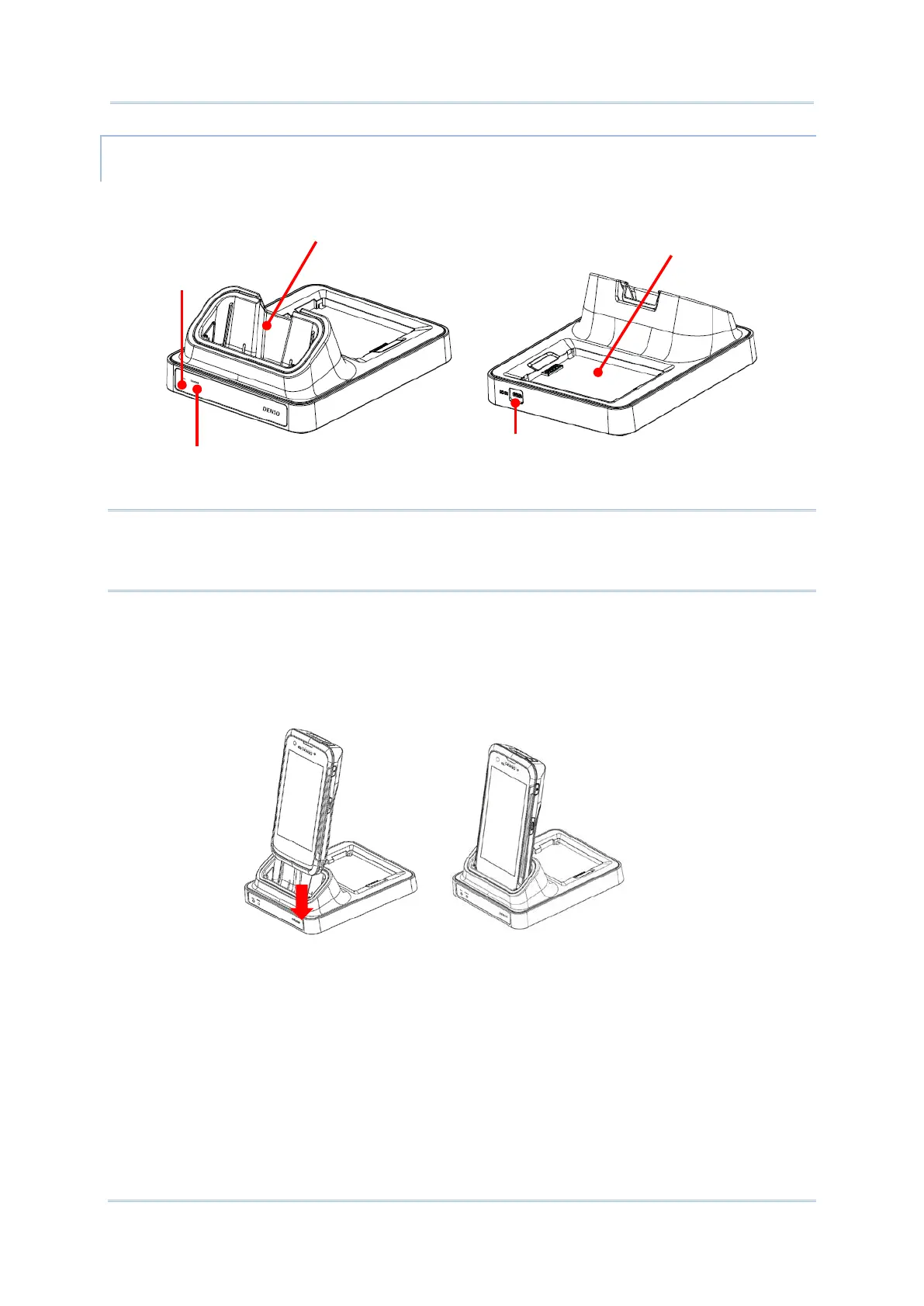
The Charging Cradle charges your handy terminal and a spare battery at the same time.
Note:
The Charging Cradle is for charging only. For data communication, use the micro USB cable
to connect the handy terminal to your PC or laptop.
To charge your handy terminal on the Charging Cradle:
1) Insert the handy terminal onto the Charging Cradle. Press the handy terminal down till
you hear a ‘click’ to make sure it is secured in the charging station.
Handy Terminal Compartment
Charging Cradle Power Supply
Conneciton Status LED
Status LED
Spare Batteryr Compartment



 To Next Page