72
BHT-1600 Handy Terminal User Manual
CREATE FOLDER
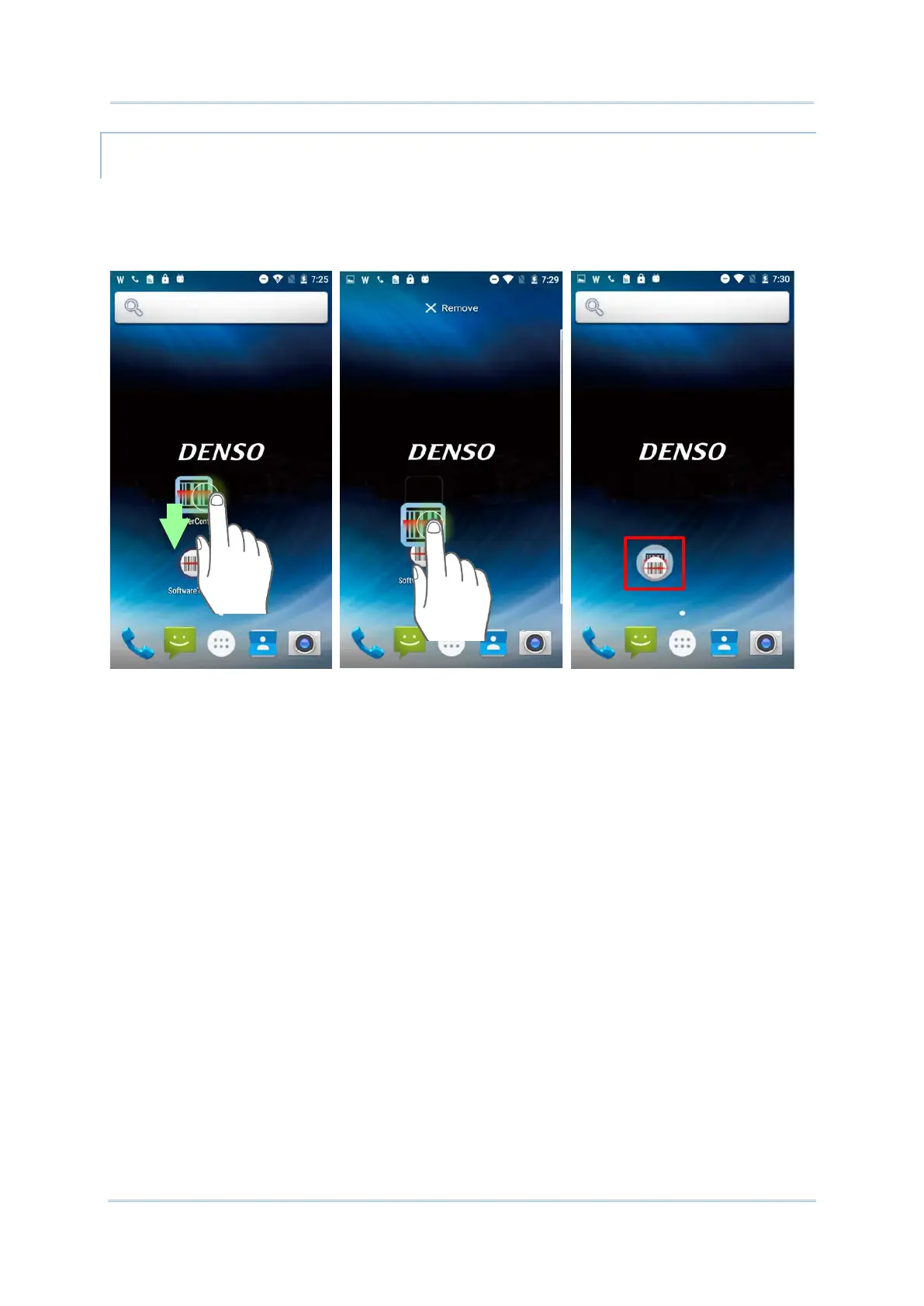
1) On the home screen you would like to customize, tap and hold the application shortcut
you would like to move, drag the icon on the top of another icon to create a folder.
2) As these icons overlap, a folder is created.
3) After you let go your finger, these icons are enclosed in a circle.



 To Next Page