117
Appendix F—Communication Options
In this section the available communication options and their setup steps are described in further detail,
including USB, Ethernet (LAN), Wi-Fi, Bluetooth, and Cell Modem.
USB (STANDARD)
A USB connection is the standard (and fastest) connection option for the ELITEpro XC, used locally for
transferring data when a laptop is available in the field.
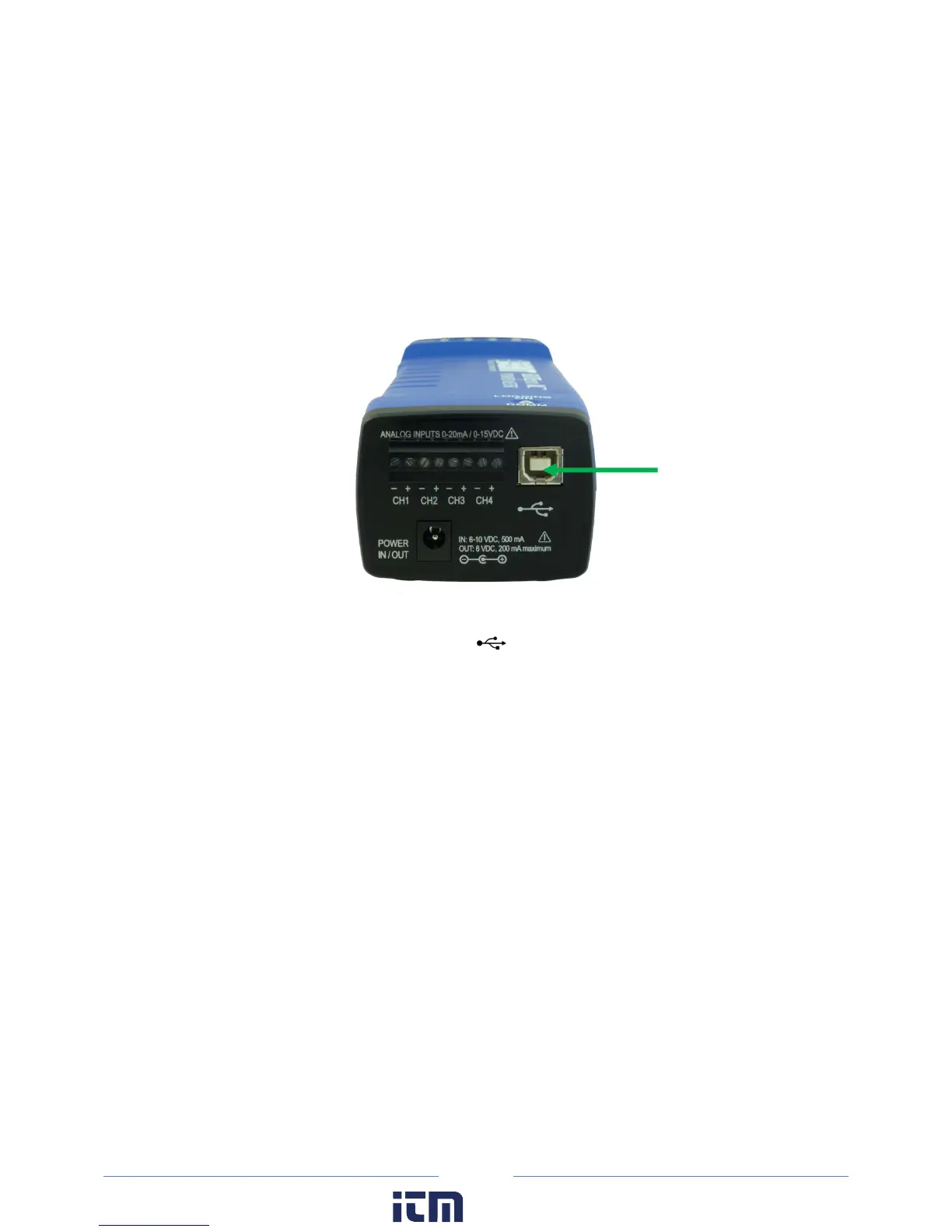
1) Connect the USB cable to a USB port on your computer, inserting the other end in the USB port on
the ELITEpro XC (Hint: Look for this USB symbol: ). If a USB cable is used inside an electrical
panel, it must be rated to the appropriate voltage or wrapped in an appropriately rated insulating
sleeve. The DENT-supplied cable does not meet this requirement without an insulating sleeve.
2) ELOG 15 should launch automatically and connect to the logger. If it does not, click on the icon on
the computer desktop.
3) The ELITEpro XC should automatically connect to the PC. If it does not, choose the correct location
from the Friendly Ports™ drop-down menu. For more information regarding Friendly Ports™, see
Communicate with the ELITEpro XC in Section 1.
w ww. . com
information@itm.com1.800.561.8187



 To Next Page