40
RETRIEVE AN EXISTING SETUP TABLE FROM THE ELITEPRO XC
Existing setup tables on the ELITEpro XC can be retrieved once the computer and the logger are
connected and communicating.
Select Logger > Retrieve Logger Setup Table.
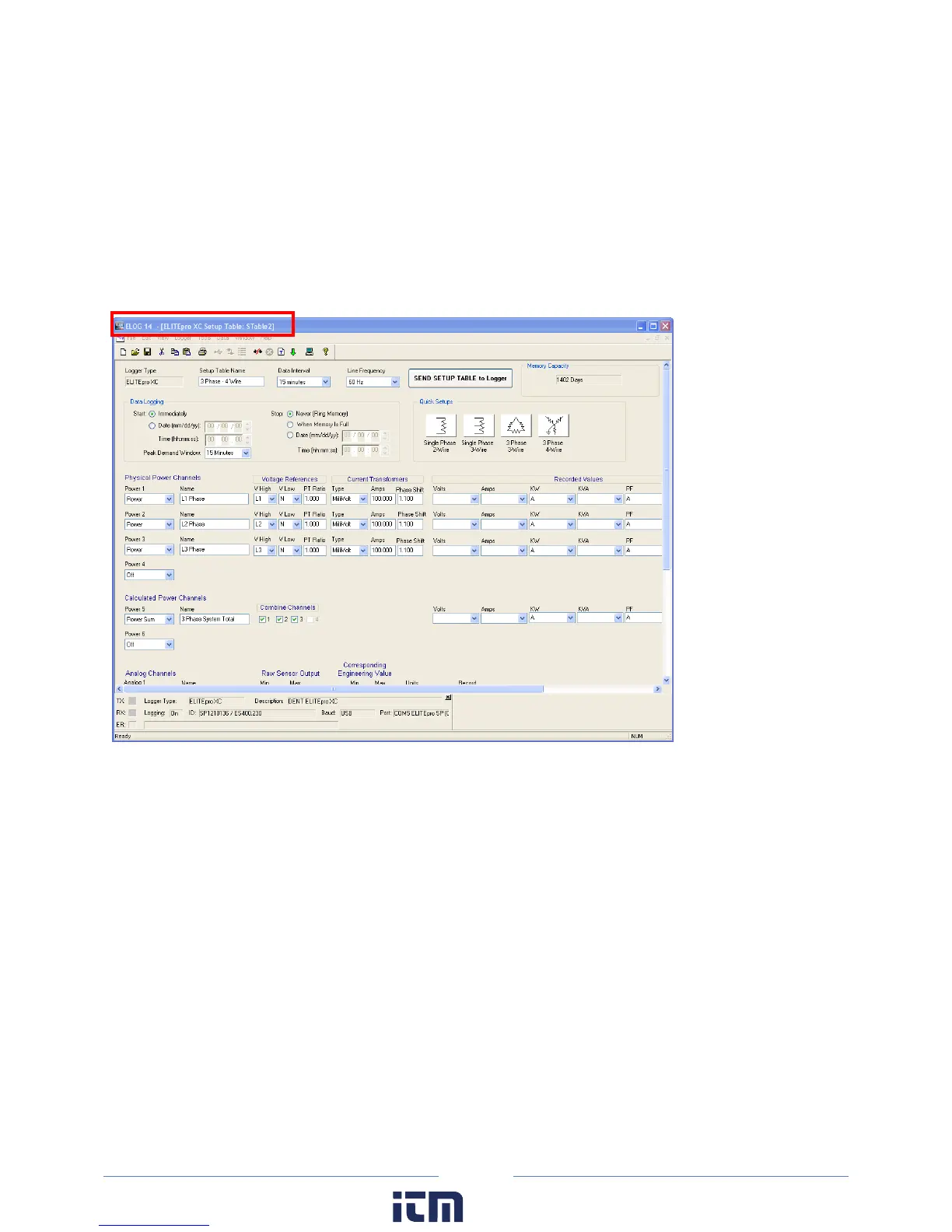
The setup table stored in the logger is retrieved and displayed, with the name of the file above the ELOG
menu bar. The file can be modified and saved to disk or resent to the logger.
N
OTE: Sections of this window are used in the following text to highlight only those areas under
discussion.
w ww. . com
information@itm.com1.800.561.8187



 To Next Page