72
Retrieve Data From Logger
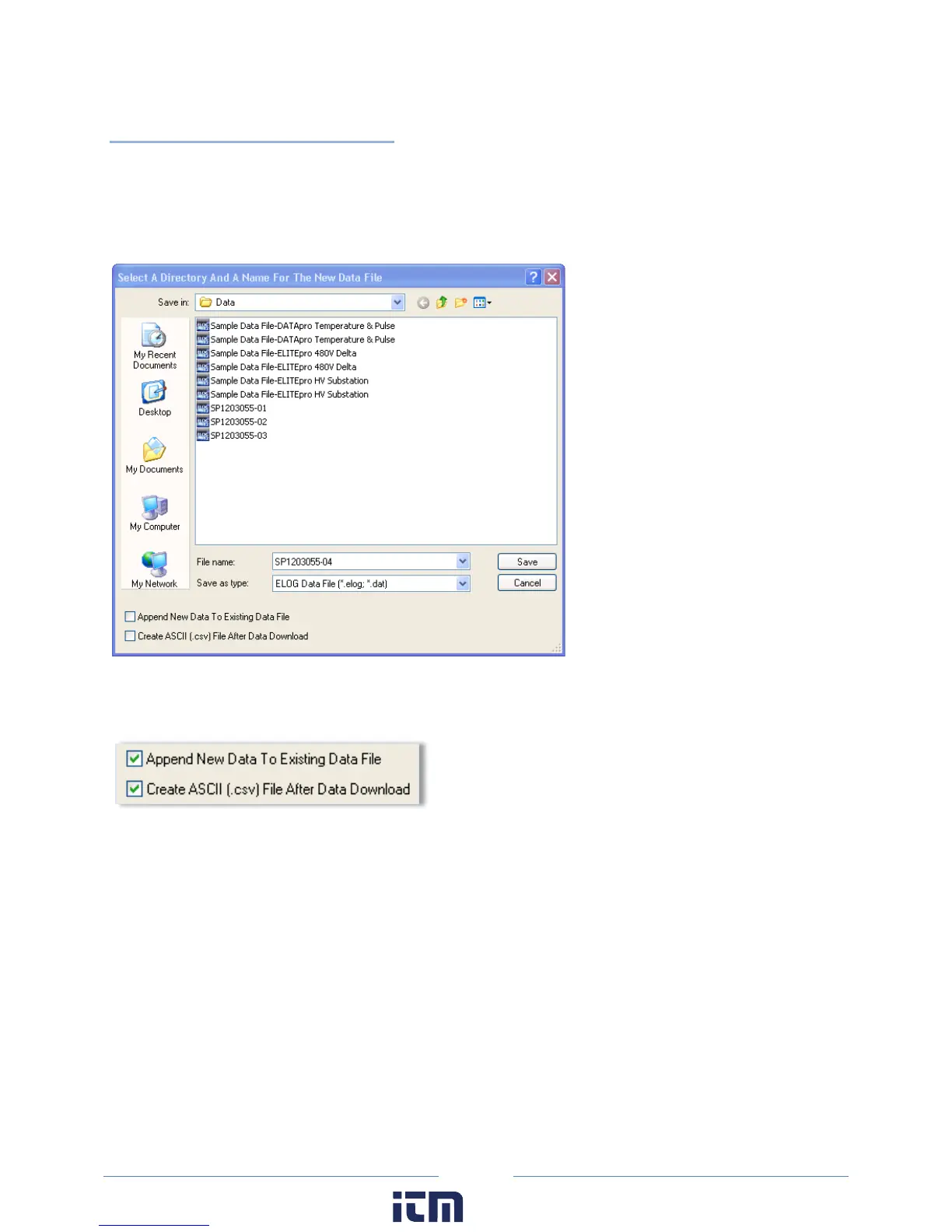
Retrieves data from the logger and saves it as an .elog file on the hard disk. The Select A Directory And A
Name… dialog box displays prompting you for a file name. The default name is the logger serial number
plus two digits that correspond to the number of times that data has been retrieved from the logger,
however, at this point you may name the data file whatever you wish.
There are two checkboxes in the lower left of the dialog box to select if you want to add (append) the
data to an existing file and/or create an ASCII file of the data.
When a logger’s memory is downloaded, the data may be added or “appended” to an already existing
file from the same logger. Check the Append New Data To Existing Data File box. The name of the
dialog box changes to Select a Data File to Append Data To. Select the file to which you wish to add the
data.
w ww. . com
information@itm.com1.800.561.8187



 To Next Page