73
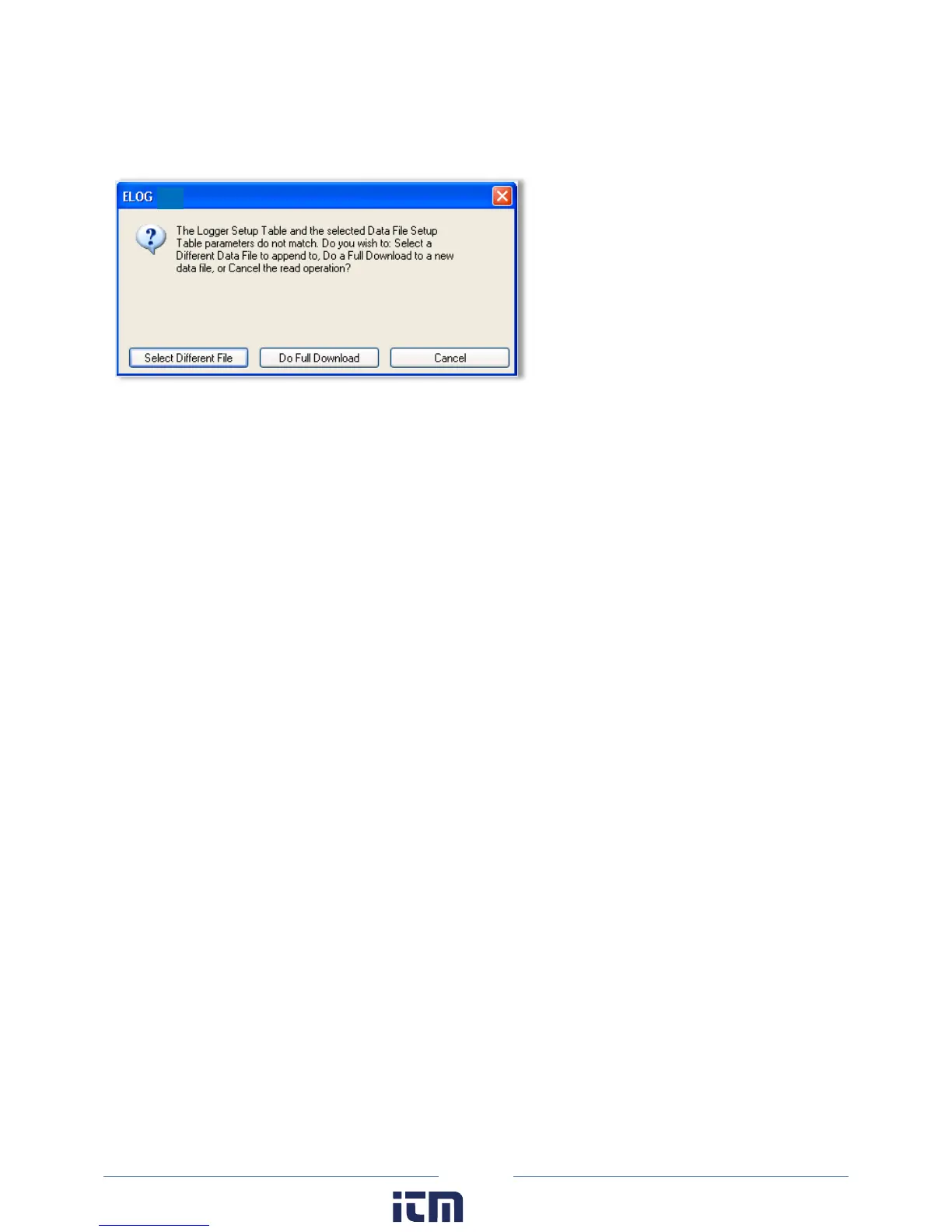
The selected file must have used the same Setup Table of the earlier downloaded data. Selecting a file
with different Setup Table parameters than those in the logger causes the following warning to display:
When the data is retrieved, a second comma separated value format (.csv) file can be created at the
same time as the .elog data file is being downloaded. A .csv file is also called a “flat file,” or “ASCII file”
and can be opened in other applications such as spreadsheets and databases.
The data is saved to the folder specified in Tools > PC Setup > Data Files Saved To: unless changed in the
Select a Directory and A Name… window. The default data folder is
C:\Users\UserName\Documents\DENT\ELOG\Data.
To view a data file, use Data > Open Data File and then select the desired file.
Even if not downloaded as a .csv file, the original binary .elog data files may at any time be exported to a
comma delimited ASCII file with a .csv extension. See the Export Data File section to export a data file.
w ww. . com
information@itm.com1.800.561.8187



 To Next Page