POWER
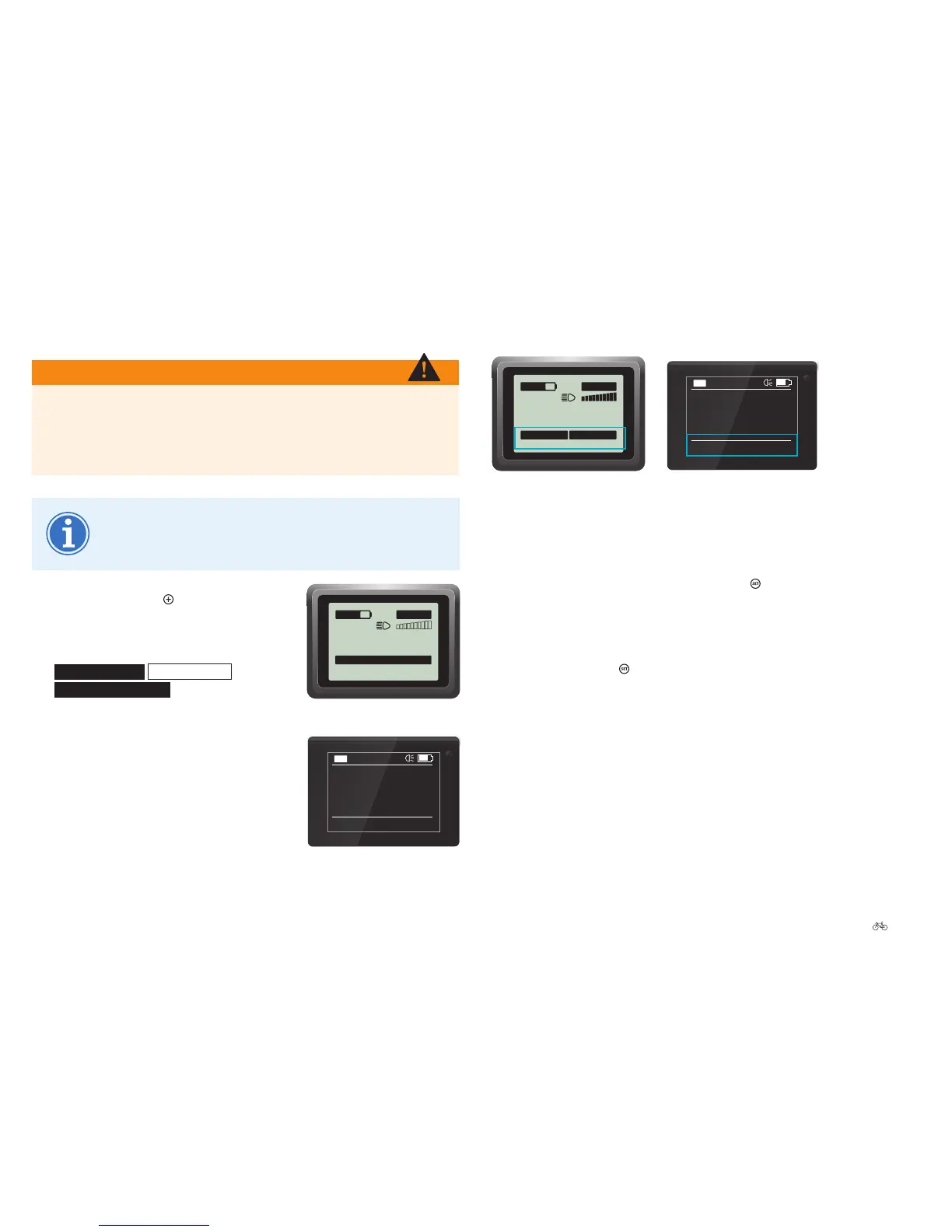
Impulse Evo (Smart) display:
Favourite settings
0.0
OFF
11:18
km/h
Trip
0.0 km
140km
Impulse Evo Smart Compact display:
Favourite settings
If you are in the start menu and want to change to other favourite settings
proceed as follows:
1. Whileinthestartmenu,brieypressthe
button. If you have
selected several favourite settings in the start menu 6.3.6.2 Impulse
Evo (Smart) display: Preselecting favourite settings Page EN-52, the next
favourite is now displayed.
2. Keep pressing the
button until the desired favourite setting is
displayed.
5.6 Enabling push assist
WARNING
Push assist may only be used when pushing the pedelec. Otherwise
you could seriously injure yourself. Push assist is not designed to
provide assistance when someone is sitting on the pedelec. On back
pedal models the pedal crank also turns.
Push assist helps you when pushing the bike (up to max.
6 km/h). This is particularly helpful when you want to push
your pedelec uphill.
1. Press and hold the
button. The push
assist is activated after three seconds.
A warning is sounded at the same time
on the Impulse Evo (Smart) display.
Note (1/1)
Push assist
or
Note | Push assist
is shown.
Keep the button pressed until you no
longer need push assist.
0.0
ECO
11:18
km/h
Note | Push assist
140km
Impulse Evo Smart Compact display:
Push assist activated











 To Next Page