EN-54 Original User Guide | Pedelec Impulse Evo / Impulse Evo Next Version 4
6.4.1.2 Navigating within a menu
1. Use the
/
buttons to navigate to the required option.
The option selected is highlighted.
2. Toconrmyourselection,brieypressthe
button.
You access the next-lowest menu level.
6.4.1.3 Returning from a menu
Therearefourdierentwaystoreturntothenexthighestlevelorthestart
menu:
Back option
1. Use the
/
buttons to navigate to the “Back” option. It is
highlighted when selected.
2. Conrmbypressingthe
button. You return to the next-highest level.
Brieypressingthe
button
1. If there is no “Back” option, and one of the options displayed is
selected,brieypressthe
button to return to the next highest level.
Prolonged pressing of the
button
1. Pressing the
button for three seconds returns you to the start menu.
Start riding
1. The start menu is displayed as soon as you start moving.
6.4 Main menu
6.4.1 Conguringsettingsinthemainmenu
Youcannotcongureanysettingsinthemainmenuwhile
you are riding.
6.4.1.1 Accessing the main menu
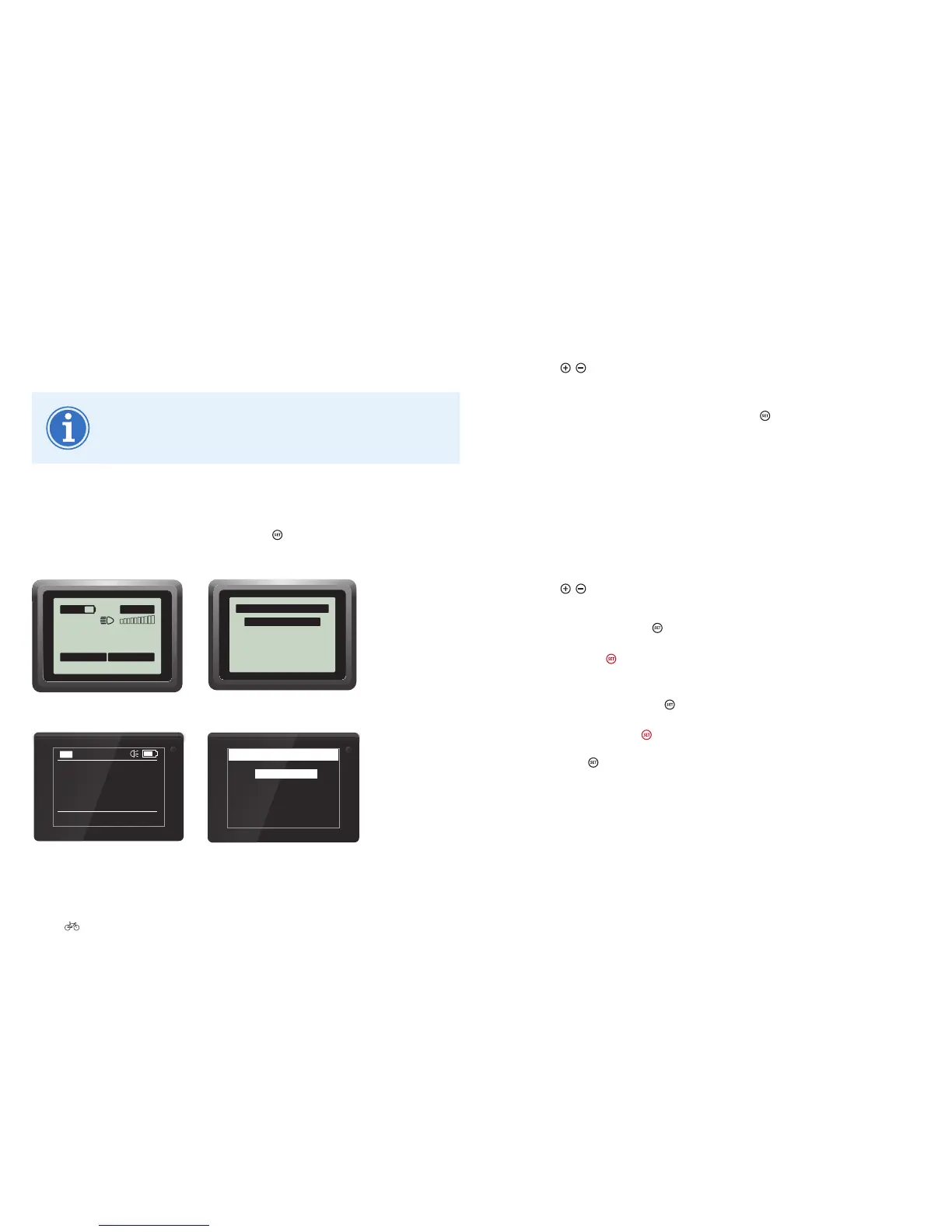
1. If you are in the start menu, press the button for three seconds. You
are now in the main menu.
0
.0
km/h
0.00 km
Trip
ECO
00:02
140 km
00.00.00
Trip time
Impulse Evo (Smart) display: Start menu
Main menu
Drive data
Delete trip data
Delete tour data
Settings
Back
Impulse Evo (Smart) display: Main menu
0.0
OFF
11:18
km/h
Trip
0.0 km
140km
Impulse Evo Smart Compact display:
Start menu
Delete tour data
Main menu
Settings
Back
Impulse Evo Smart Compact display:
Main menu











 To Next Page