Original User Guide | Pedelec Impulse Evo / Impulse Evo Next Version 4 EN-49
6.3.1 Switching on the pedelec
Thesystemcanonlybeactivatedifasucientlycharged
battery has been inserted.
Do not switch on the pedelec when you are riding.
Otherwise the motor can stop and you will not be provided
with the full assist level.
1. Press the
button on the easy-reach control for one second. The
display light turns on. On the Impulse Evo (Smart) pedelec, the display
light goes out after about 30 seconds. The cycle light also switches on.
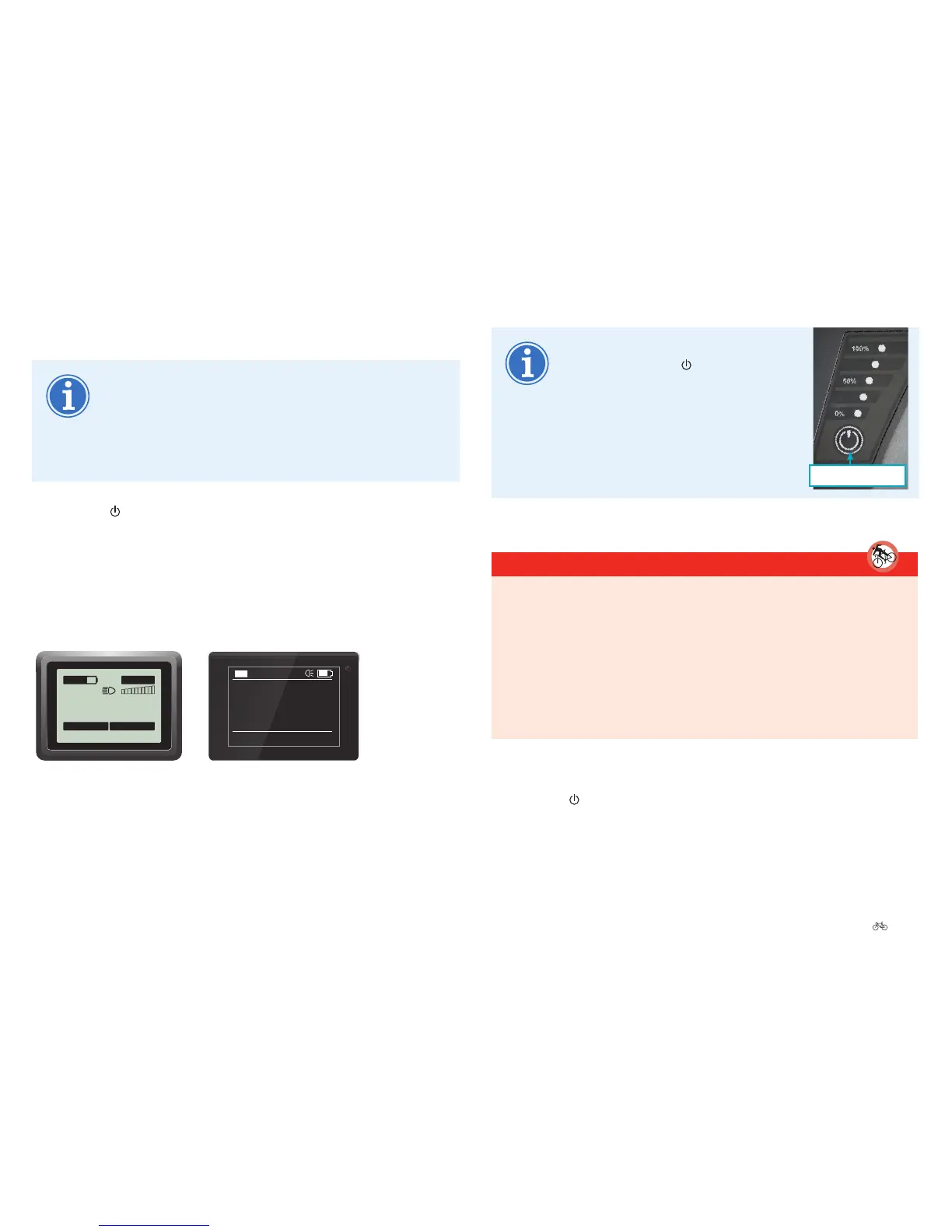
Awelcomemessageappearsintheinformationeldofthedisplay.If
you have an Impulse Evo / Impulse Evo Next system with back pedal,
“Pleasepedal”isshown.Youcancongureothersettingsfromthe
start menu.
0
.0
km/h
0.00 km
Trip
ECO
00:02
140 km
00.00.00
Trip time
If the system does not switch on
despite pressing the
button, press
the battery button for one second. The
pedelec switches on. If it still does not
switch on, check the battery 9.3.1
Display panel Page EN-84.
Battery button
6.3.2 Switchingothepedelec
DANGER
Only ride the pedelec when you can safely reach the brakes 3.7
Braking Page EN-22. Your pedelec does not have an Emergency stop
button. You must activate the brakes to stop the cycle quickly in a
dangerous situation. The maximum brake force is greater than the
propulsion force possible. This means stopping is guaranteed at all
times by pressing the brakes. Note that the drive system does not
disable automatically after braking. Switch the drive system to idle
after braking.
On the easy-reach control
1. Press the
button on the easy-reach control for one second.
TheImpulseEvosystemswitcheso.











 To Next Page