EN-60 Original User Guide | Pedelec Impulse Evo / Impulse Evo Next Version 4
6.4.3.4 Contrast
Path: Settings | Device settings | Display | Contrast
You can adjust the contrast of the display to improve legibility:
1. Navigate to “Contrast” as described in 6.4.1 Configuring settings in
the main menu Page EN-54.
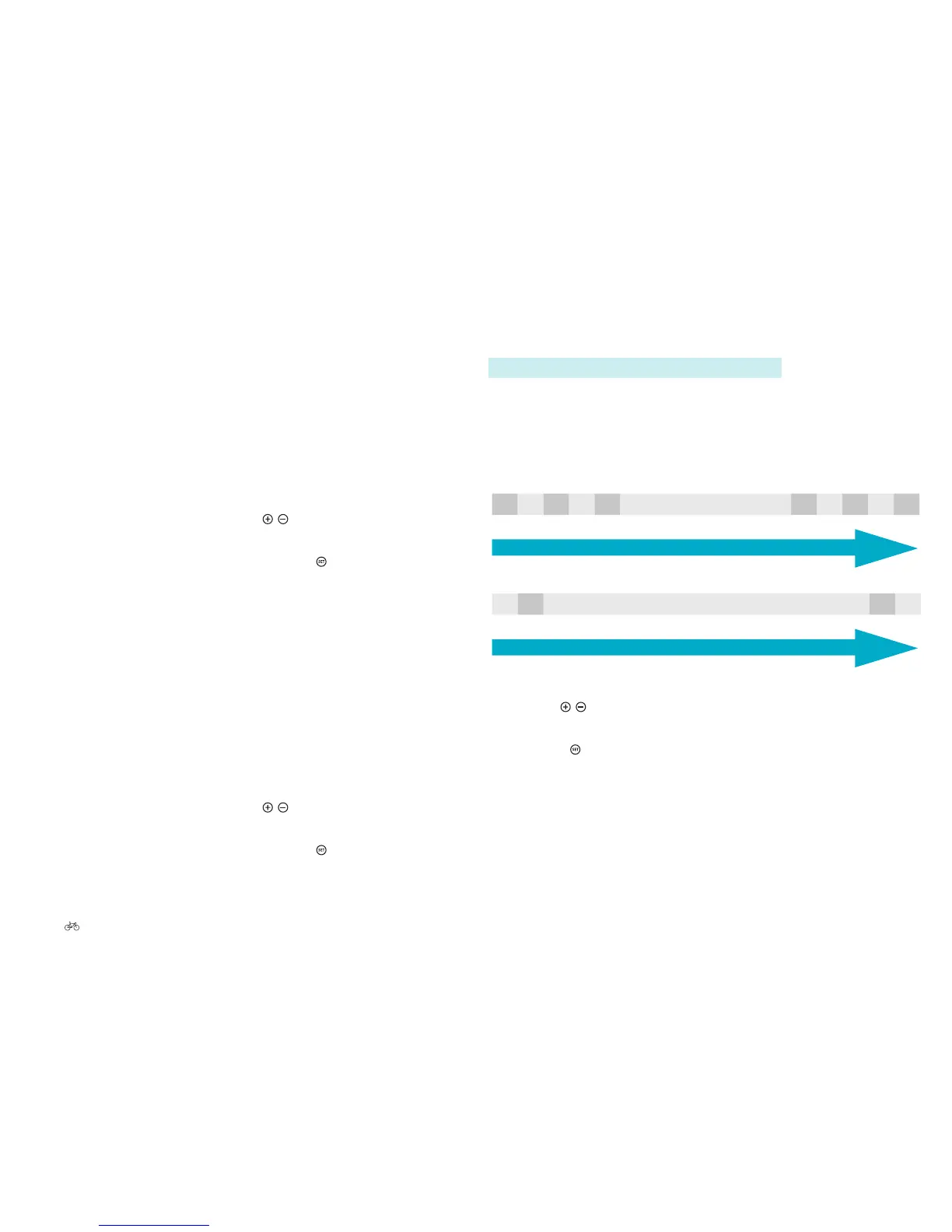
You can choose between:
-5 -4 -3 -2 -1 Default +1 +2 +3 +4 +5
Weak contrast
Strong contrast
Impulse Evo (Smart) display
-2 -1 Default +1 +2
Weak contrast
Strong contrast
Impulse Evo Smart Compact display
2. Use the
/ buttons to select the contrast strength required.
The strength selected is highlighted.
3. Press the
buttontoconrm.Youreturntosub-level2.
6.4.3.2 Clear trip data
In main menu option “Clear trip data”, you can reset to 0 options Trip (in
km), Trip time (in 00:00:00), Trip max. (in km/h)* and Trip Ø (in km/h).
Proceed as follows:
1. Navigate to main menu “Clear trip data” as described in 6.4.1
Configuring settings in the main menu Page EN-54.
2. Thefollowingquestionappearsonthedisplay:“Conrmdelete?”with
“Yes” and “No” underneath.
3. Select the required option using the
/ buttons. The selection is
highlighted.
4. Conrmyourselectionbybrieypressingthe
button.
You will then return to the main menu options.
*Impulse Evo (Smart) display
6.4.3.3 Impulse Evo (Smart) display: Clearing tour data
In main menu option “Delete tour data”, you can reset to 0 options Tour (in
km) and Tour Ø (in km). Proceed as follows:
1. Navigate to main menu “Clear tour data” as described in 6.4.1
Configuring settings in the main menu Page EN-54.
2. Thefollowingquestionappearsonthedisplay:“Conrmdelete?”with
“Yes” and “No” underneath.
3. Select the required option using the
/ buttons. The selection is
highlighted.
4. Conrmyourselectionbybrieypressingthe
button.
You will then return to the main menu options.











 To Next Page