Original User Guide | Pedelec Impulse Evo / Impulse Evo Next Version 4 EN-63
6.4.3.10 Impulse Evo Smart Compact display: Time
Path: Settings | Device settings | Display | Time
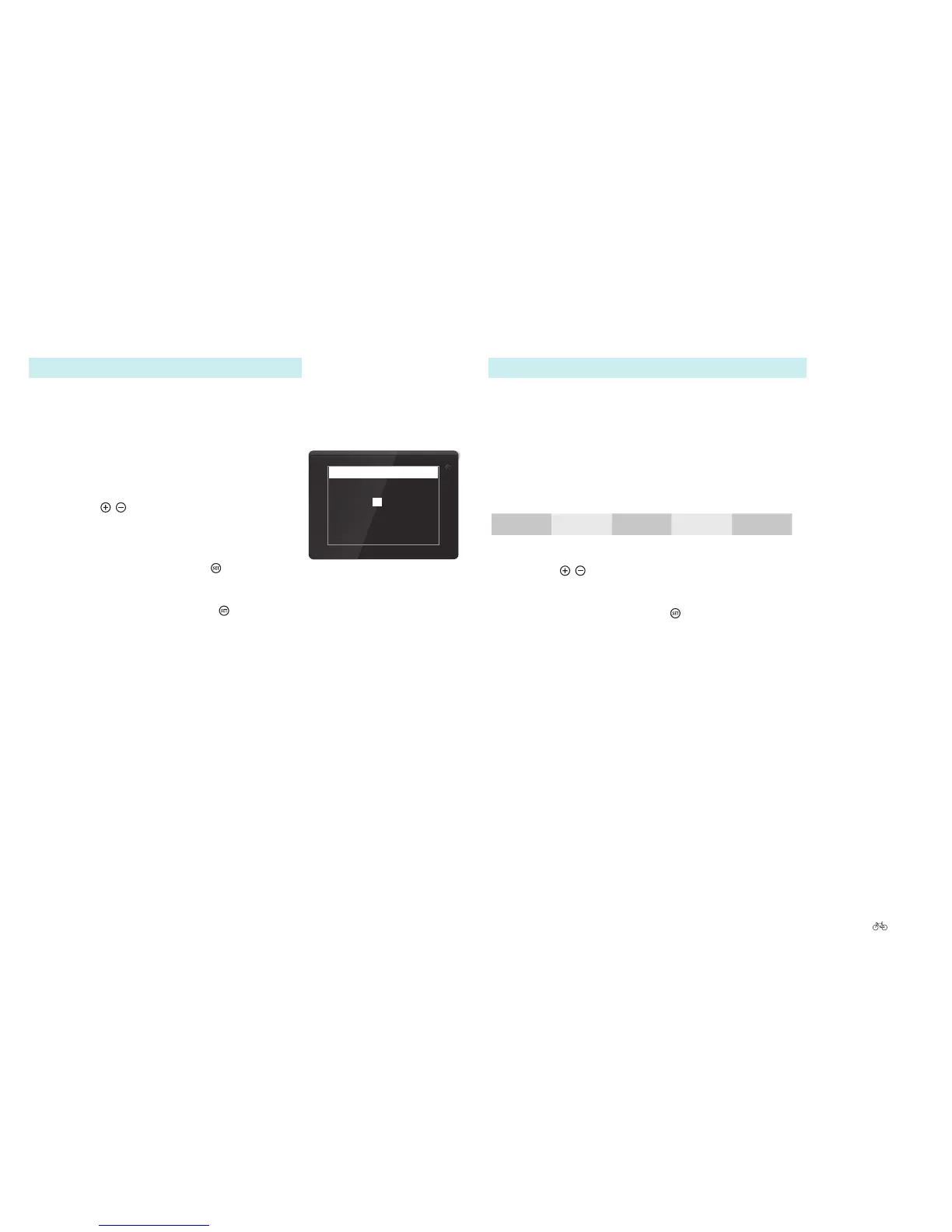
The time is shown in the start menu. Proceed as follows to set or change
the time:
1. Navigate to “Time” as described in 6.4.1
Configuring settings in the main menu Page
EN-54.
2. Use the
/ buttons to select the digits
required. The selection is highlighted
white.
3. Conrmbybrieypressing
. You move to
the next option.
4. Conrmingthesecondswith
returns you
to sub-level 2.
09:52:07
Time
Setting the time
6.4.3.11 Impulse Evo (Smart) display: Parking light
Path: Settings | Device settings | Display | Parking light
From this menu, you can set how long the parking light of the pedelec
staysonafterthesystemswitcheso.
1. Navigate to “Parking light” as described in 6.4.1 Configuring
settings in the main menu Page EN-54.
You can choose between:
OFF 15 secs. 30 secs. 45 secs 60 secs
2. Use the
/ buttons to select the desired option. The selection is
highlighted.
3. Conrmbybrieypressing
. You return to sub-level 1.











 To Next Page