Original User Guide | Pedelec Impulse Evo / Impulse Evo Next Version 4 EN-67
6.4.3.20 Impulse Evo Smart Compact display: Name
Path: Settings | Device settings | Name
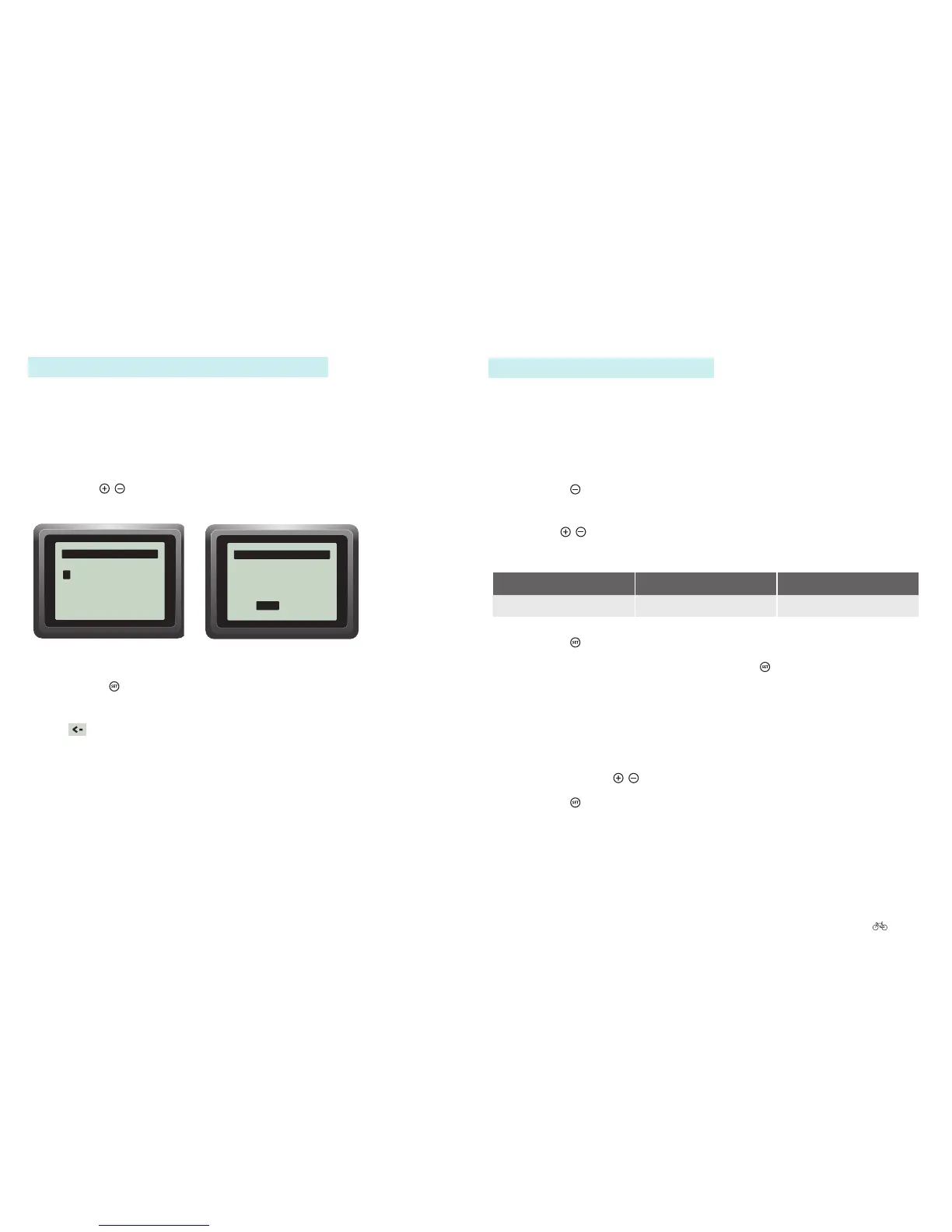
The “Name” option allows you to enter a name or text with 15 characters,
whichisdisplayedwhenyouswitchthepedeleconoro.
1. Navigate to “Name” as described in 6.4.1 Configuring settings in the
main menu Page EN-54.
2. Press the
buttonforonesecond.Therstletterofthewordshown
underneath is highlighted white.
3. Use the
/ buttons to select the desired letters. The letter selected is
highlighted white.
Letters Spacer Back/Delete
A to Z, Ä, Ö, Ü Space <
4. Press the buttontoconrm.Youmovetothenextletter.
5. When you have made your selection, press
for three seconds to
return to sub-level 2.
Back/Delete
1. Move to the letter to be changed or deleted.
2. Select < with the
/ buttons.
3. Press the
buttontoconrm.Youmovetothepreviousletter.
6.4.3.18 Impulse Evo (Smart) display: Name
Path: Settings | Device settings | Personalise | Name
The “Name” option allows you to enter a name or text which is displayed
whenyouswitchthepedeleconoro.
1. Navigate to “Name” as described in 6.4.1 Configuring settings in the
main menu Page EN-54.
2. Use the
/ buttons to select the desired letters.
The letter selected is highlighted.
Setting the name
A
abcdefghijklmnop
qrstuvwxyzäöüßâê
îôûàèìòùáéíóú
<- ok
ABC...
Name
—
3. Press the buttontoconrm.
4. Once you have made your selection, press “OK” to return to sub-level 2
or
for the start menu.
6.4.3.19 Favourite settings
6.3.6.2 Impulse Evo (Smart) display: Preselecting favourite settings Page
EN-52











 To Next Page