EN-74 Original User Guide | Pedelec Impulse Evo / Impulse Evo Next Version 4
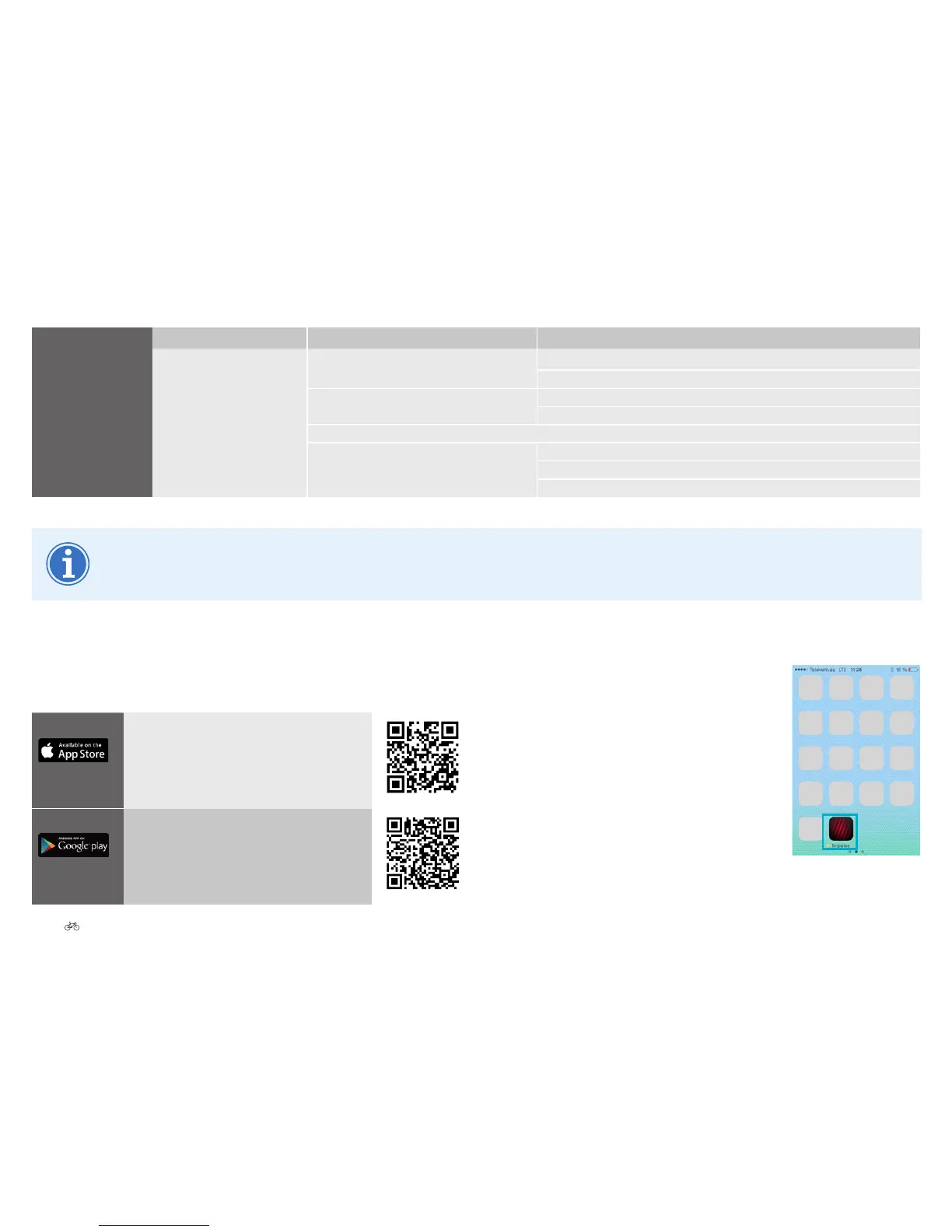
2. Following successful installation, the
app is shown on the start screen of your
smartphone.
3. Clicking the Impulse icon opens the Impulse
Evo / Impulse Evo Next navigation app.
Settings
Navigation instructions* Activate voice instructions Volume
My E-Bike and me
Vehicle class Pedelec
S-pedelec
Bike type City trekking cycle
Mountain bike
Weight (including trailer) in kg
Me Body weight
Average speed in km/h (manual)
Use display speed of my vehicle.
*Not shown until connected to the Impulse Evo Smart display / Impulse Evo Smart Compact display.
“Leisure time” and “Navigation instructions” are enabled for a week following connection in the Impulse E-Bike navigation app.
7.3 Installation
1. Load the Impulse Evo / Impulse Evo Next navigation app onto your
smartphone. The app is free.
iOS https://itunes.apple.com/app/id988052596
Android https://play.google.com/store/apps/details?id=eu.
beemo.impulse











 To Next Page