DS2460Q QAM Analysis Meter Operation Manual
34
4.3 Level Measurement
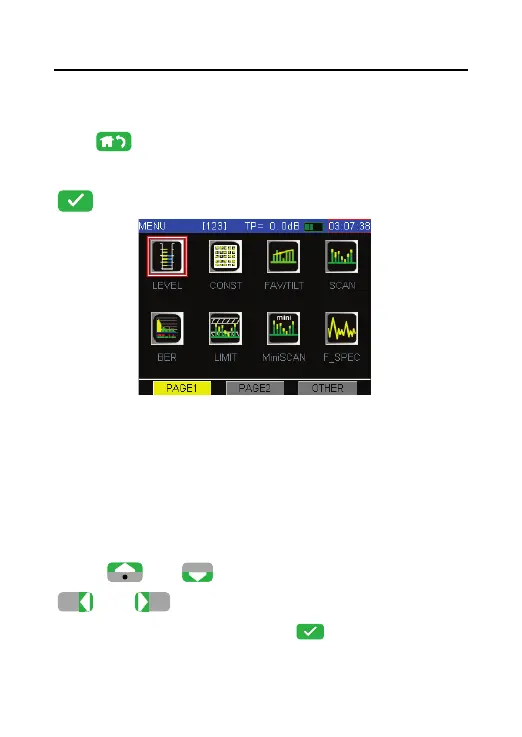
Press return to main menu, press the arrow key
to select the Level icon as Figure 4-19. Then press
.
Figure 4-19
The program confirm at least one active channel exist
in one channel plan. So you channel plan at least has
only one analog channel.
The channel list will display as the Figure 4-20 show.
Press
or
to select the channel. Press
or
will page up or page down the
channel list. Then press
enter channel
information as the Figure 4-21 show.



 To Next Page