DS2460Q QAM Analysis Meter Operation Manual
52
4.6.2 Soft Keys Operations
CH INFO(
): Press this button can check the
current channel information, and user can modify all
of the parameters in this menu.
TIME (
):Press this button to set the statistics
time, DS2460Q supports several fixed time(5 minutes,
15 minutes, 30 minutes, 60 minutes, 2 hours, 6 hours,
12 hours, 24 hours, and 48hours).
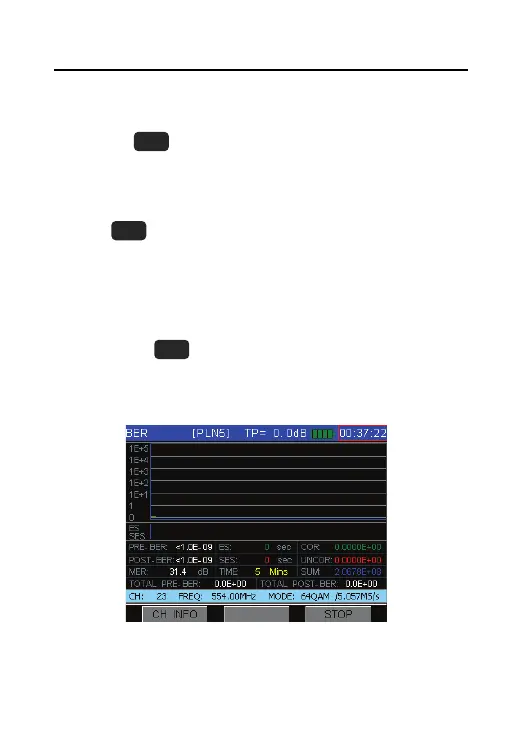
START/STOP(
):Press this button will start or stop
the statistics process and the screen will show as
Figure 4-39.
Figure 4-39



 To Next Page