DS2460Q QAM Analysis Meter Operation Manual
41
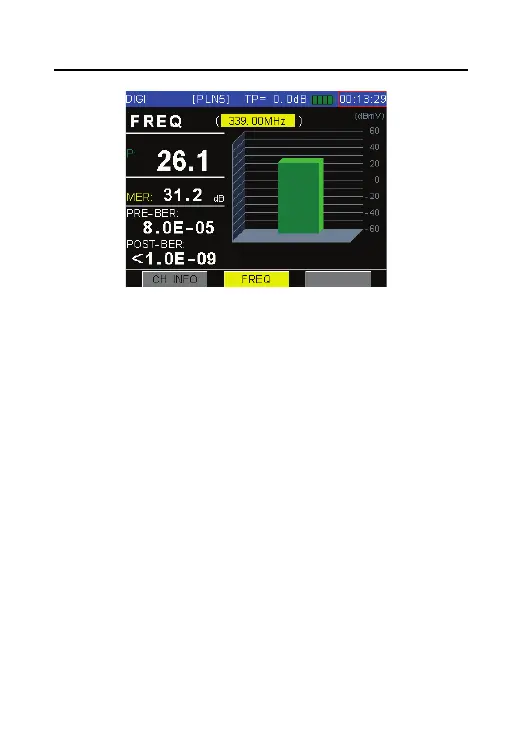
Figure 4-27
4.3.3 Limit Display
A PASS or FAIL in big font is displayed in the screen to
indicate the quality of current channel as the Figure
4-25, the limit value to judge the quality of channel
can be showed in the measurement setup menu, and
also can be modified.
And also it can disable the judge of channel quality of
in the measurement setup menu.



 To Next Page