DG-FS1526 User Manual
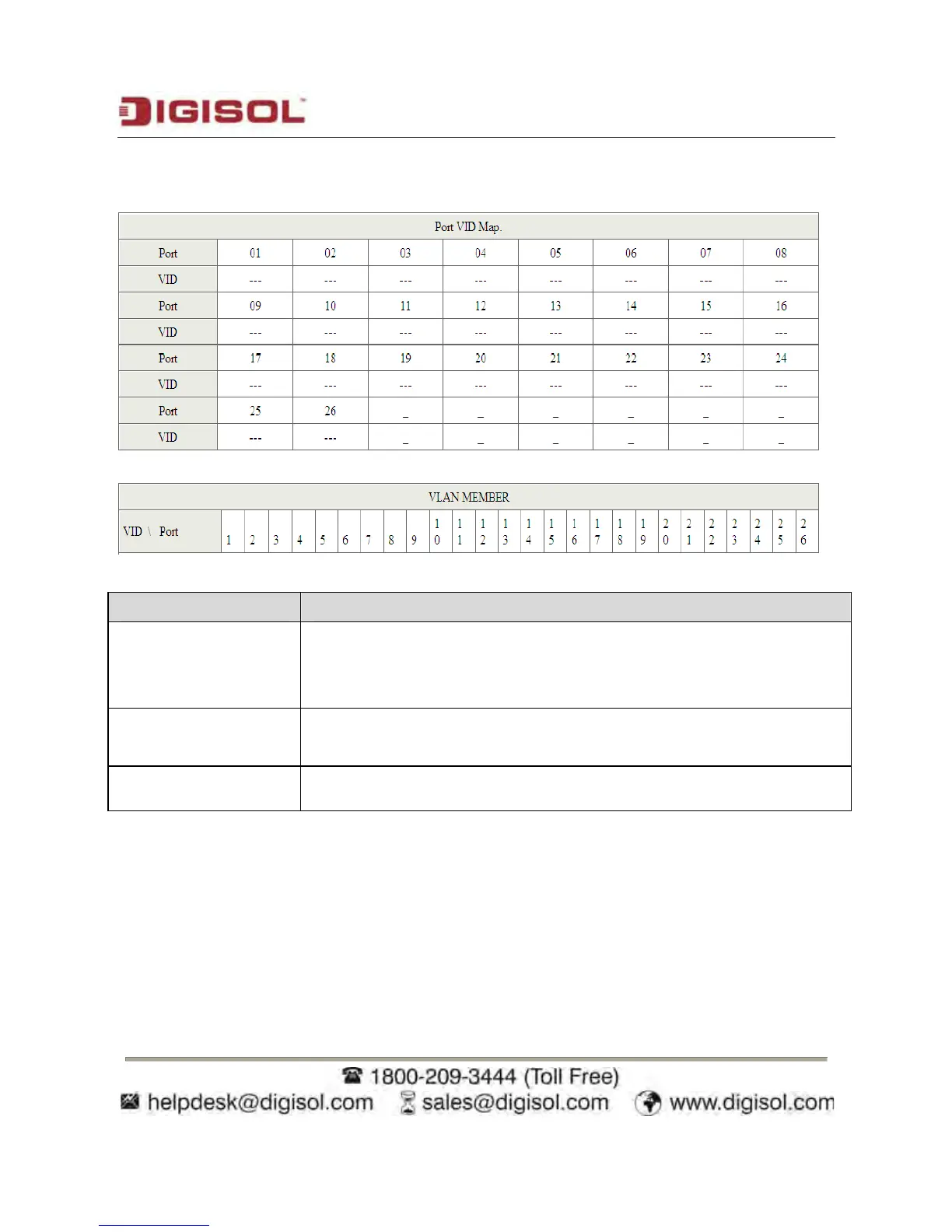
The following figure displays the VLAN configuration in the tag mode
Field Description
VID
Select the Vlan ID to be assigned to the VLAN and click on Add to
enter the VID. Once the VID is added it will appear in the drop down
list.
VLAN Member Port
Select the VID from the Dropdown list and then select the desired
member ports from the Table.
Port VID MAP
Port VID map shows the Port number corresponding to the VID to
which the same is assigned.
When the port receives the packets without tag, the system can check the VLAN table
according to the port VID. The system can add the tag according to the VID found in the
VLAN table.
32













 To Next Page