DG-SC2100/DG-SC2100W User Manual
12
1.6 Locate the IP Address of this IP Camera
Default IP address of this IP camera is 192.168.2.3. If you wish to assign another IP
address to this IP camera, you have to log onto the web configuration interface of the
camera first.
If the left three fields of the IP address of your computer is not 192.168.2, you’ll have
to change the IP address of your computer first:
1.
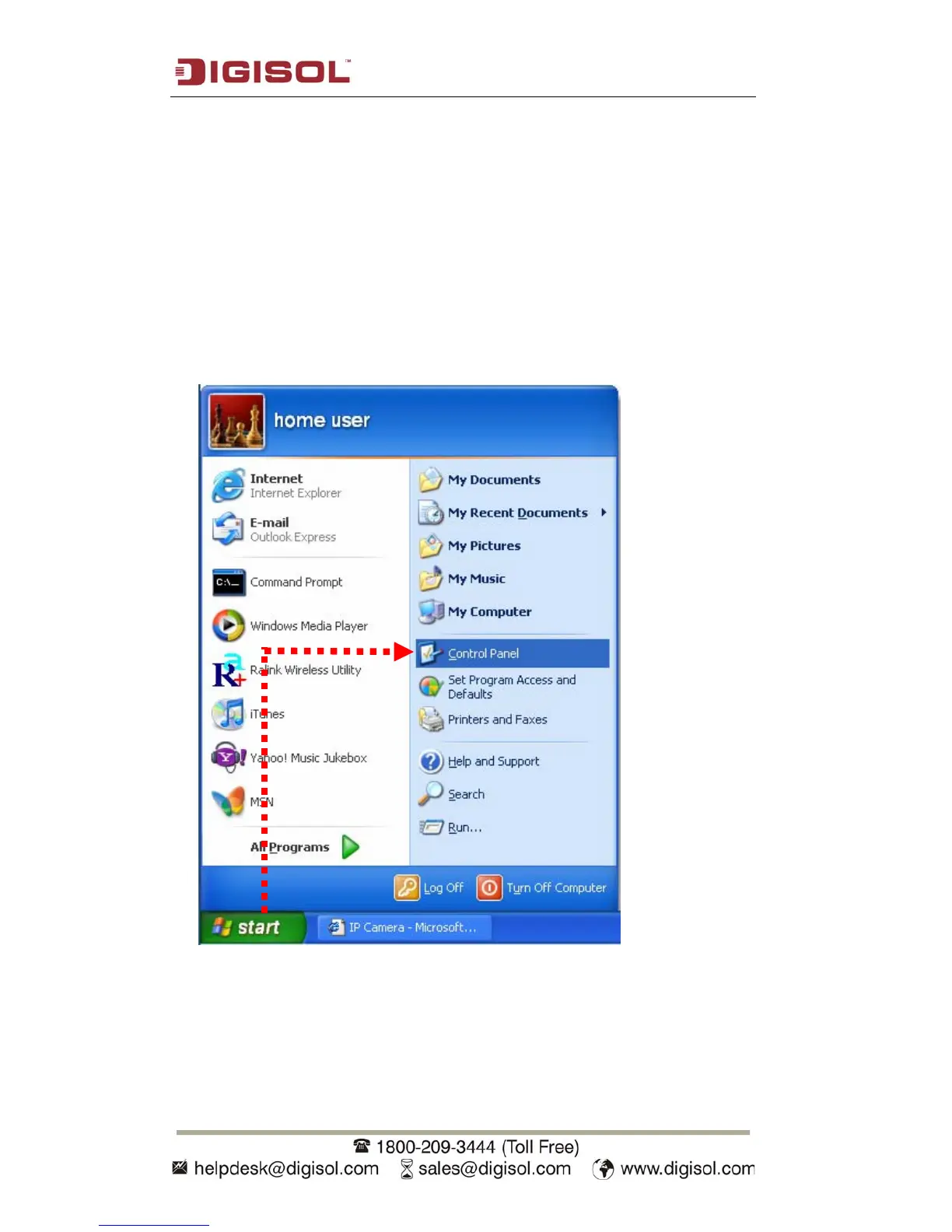
Click ‘Start’ -> ‘Control Panel’



 To Next Page