DG-SC2100/DG-SC2100W User Manual
90
3.10 Video Playback
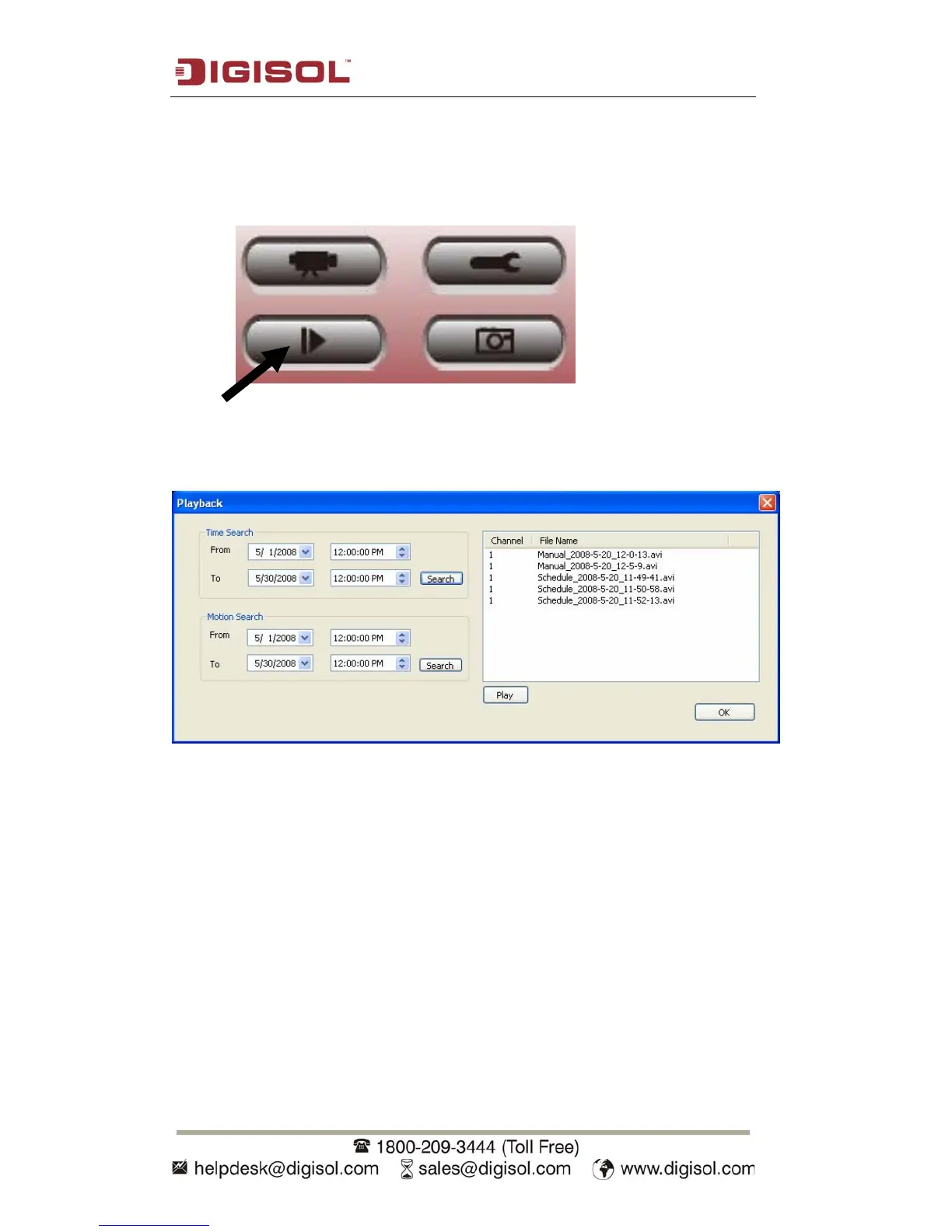
You can playback all recorded video by clicking this button.
A new window will appear:
You have to search the video file before you can play it. There are two kinds of video
search: Time Search (search all video files that fall in a specific period of time) and
Motion Search (search all videos recorded by motion detection function that fall in a
specific period of time).
Please define the start and end date / time of the time period you wish to search, and
then click ‘Search’ button (of ‘Time Search’ / ‘Motion Search’). All found videos
will be displayed, select the video you wish to play and click ‘Play’ button to
playback.



 To Next Page