DG-SC2100/DG-SC2100W User Manual
87
3.6 Scan
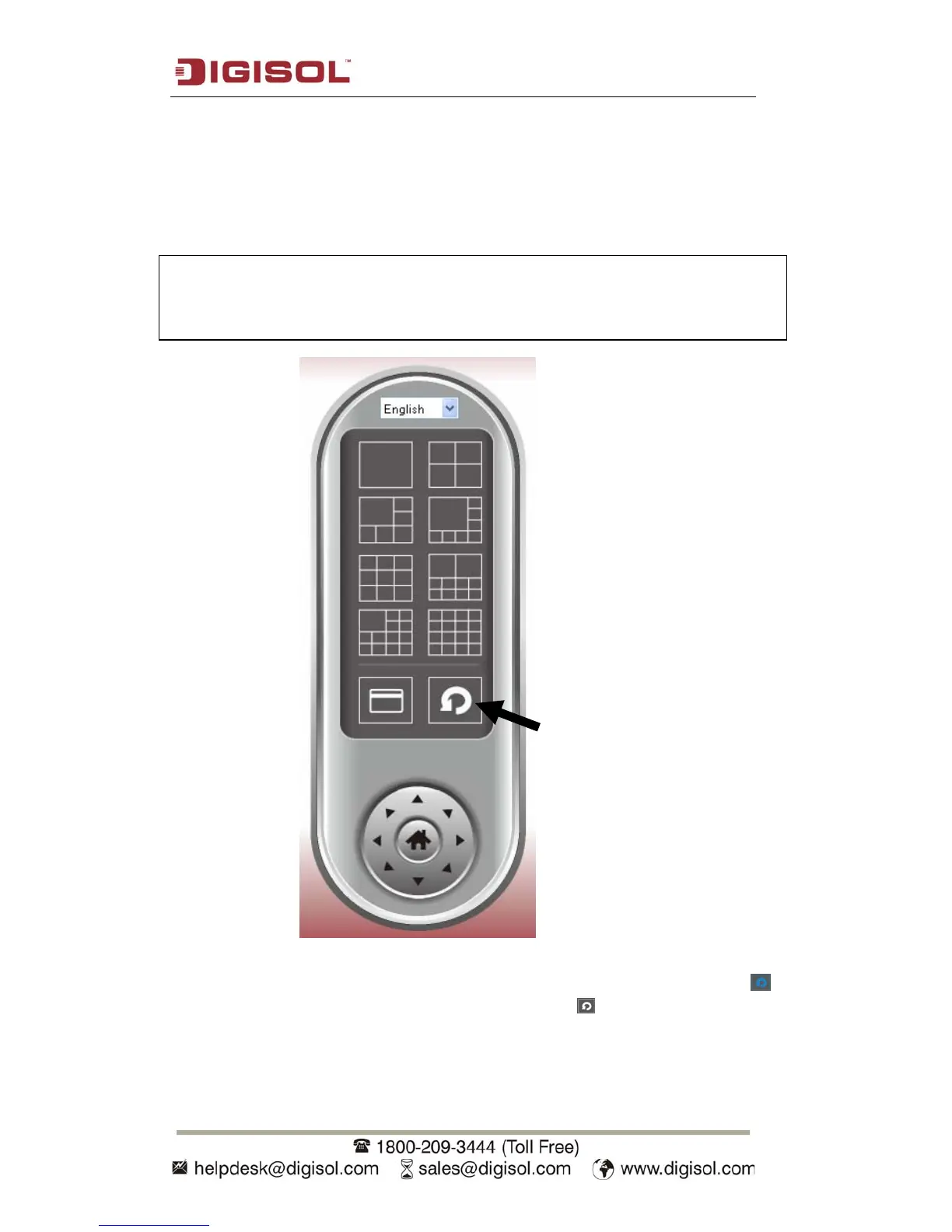
If you have more than one camera configured, and you wish to switch the displaying
image between cameras, you can click ‘Scan’ button to switch between all configured
cameras.
Click ‘Scan’ button once to activate scan function (scan icon will become blue ),
click again to stop scanning (scan icon will become white ).
NOTE: If a camera is configured but disconnected, it will still be
displayed in a scan sequence (you’ll see nothing and you’ll see
‘Disconnected’ text displayed at the upper-left corner of display image).



 To Next Page