DG-SC2100/DG-SC2100W User Manual
42
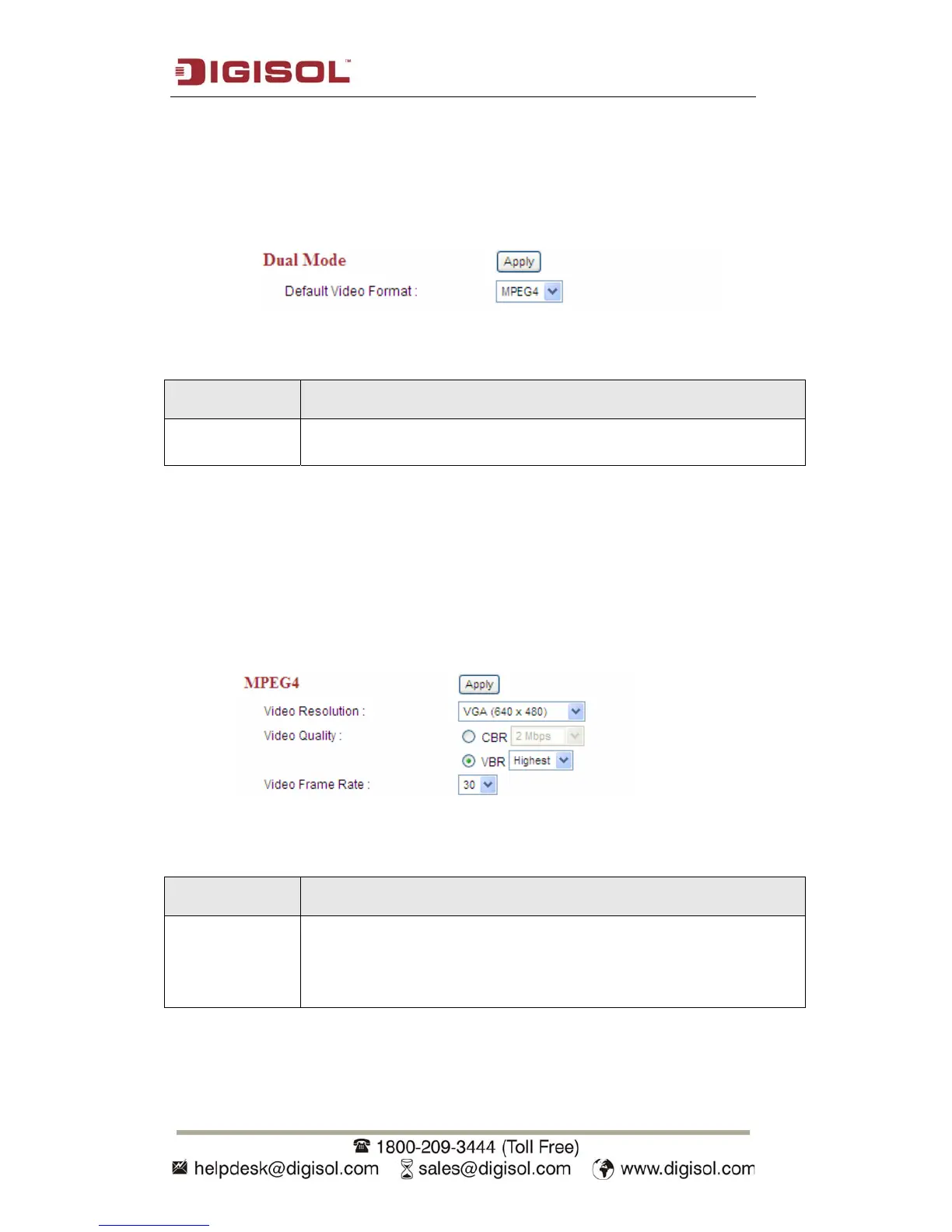
2.4.1 Dual Mode
This IP camera supports two video encoding formats: MPEG4 and MJPEG. You can
select the encoding format from one of them.
The setting in this menu is described below:
Item Description
Default Video
Format
Specify default video encoding format of this IP camera here.
Available options are MPEG4 and MJPEG.
Click ‘Apply’ to save settings and make the new settings take effect.
2.4.2 MPEG4
If you selected ‘MPEG4’ as the video encoding format for this IP camera, you can
specify the parameters of MPEG4 video encoder here.
The settings in this menu are described below:
Item Description
Video
Resolution
Specify video resolution of MPEG4 video encoder. Available options
are VGA, QVGA and QQVGA resolution. VGA resolution provides
more details than QVGA and QQVGA, but requires more network
bandwidth.



 To Next Page