DG-SC2100/DG-SC2100W User Manual
9
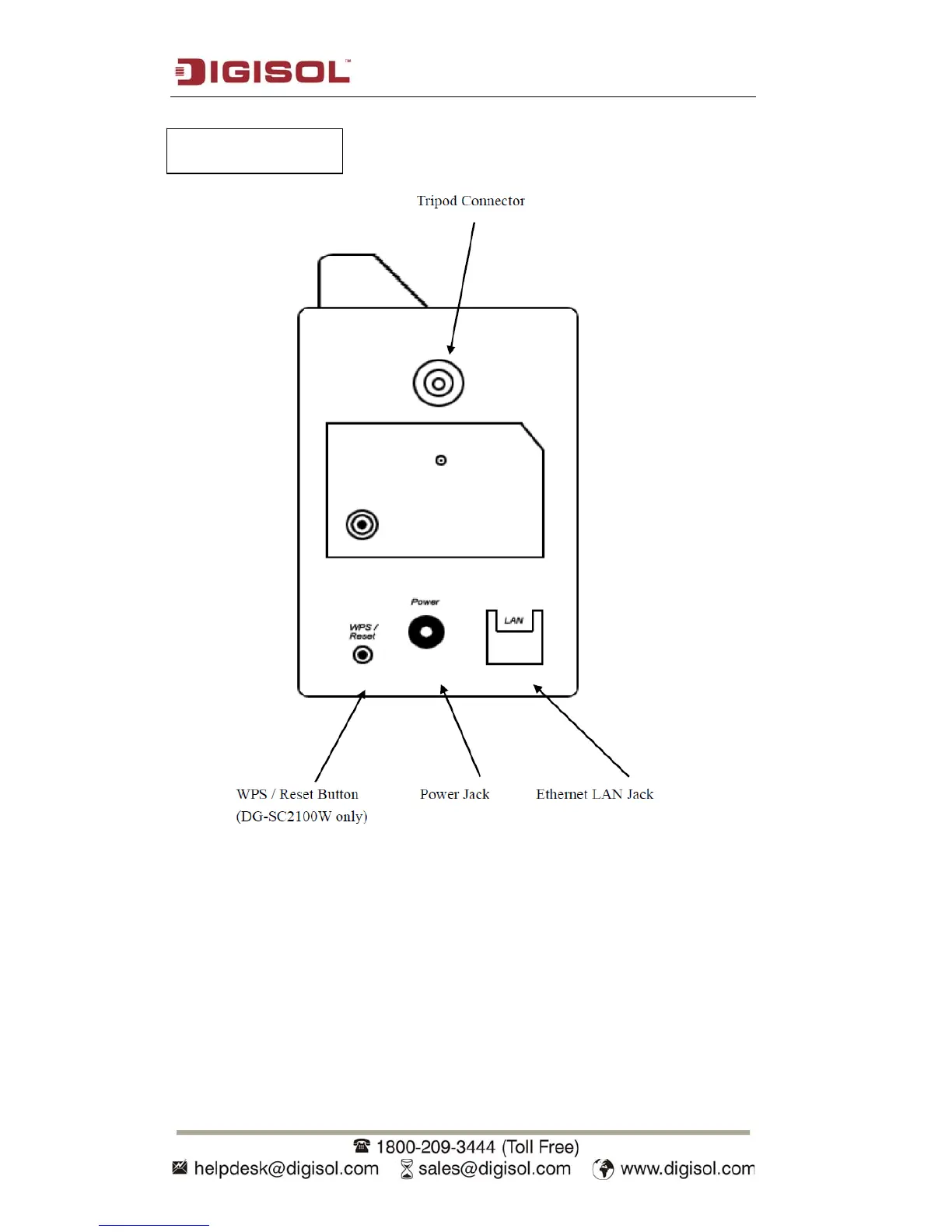
Tripod Connector: Connects to any standard tripod / camera wall holder.
WPS / Reset Button: Press and release this button to activate WPS mode; Keep this
button pressed for 10 seconds to clear all settings of this camera.
Power Jack: Connect to 5V power adapter.
Ethernet LAN Jack: Connect to LAN by using Ethernet cable.



 To Next Page