DG-SC2100/DG-SC2100W User Manual
60
2.10 Account
If you wish to allow other people to view the image captured by this camera, but don’t
want to allow them to modify system settings, you can give them user-level user name
and password, so they can only view the images and cannot change any system
settings. When they click menus other than ‘Camera’, they will see the following
message informing that they don’t have permission to do that:
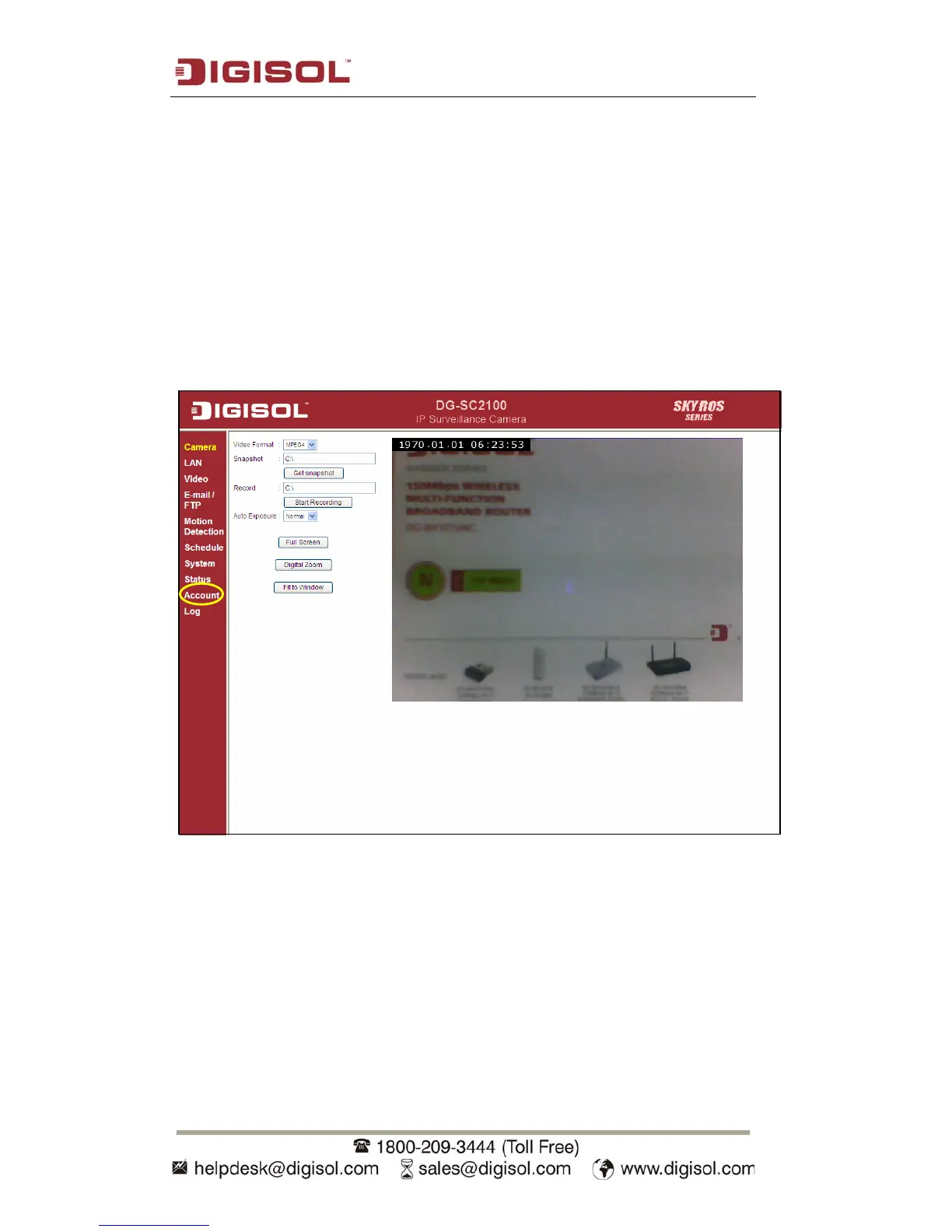
You can access this menu by clicking ‘Account’ on the web management interface.



 To Next Page