DG-SC2100/DG-SC2100W User Manual
97
6 Using Cellphone as Image Viewer
You can use your cellphone to connect to this IP CAM and view captured image.
Currently this IP CAM supports iPhone (Apple) and Google Android OS.
6.1 iPhone
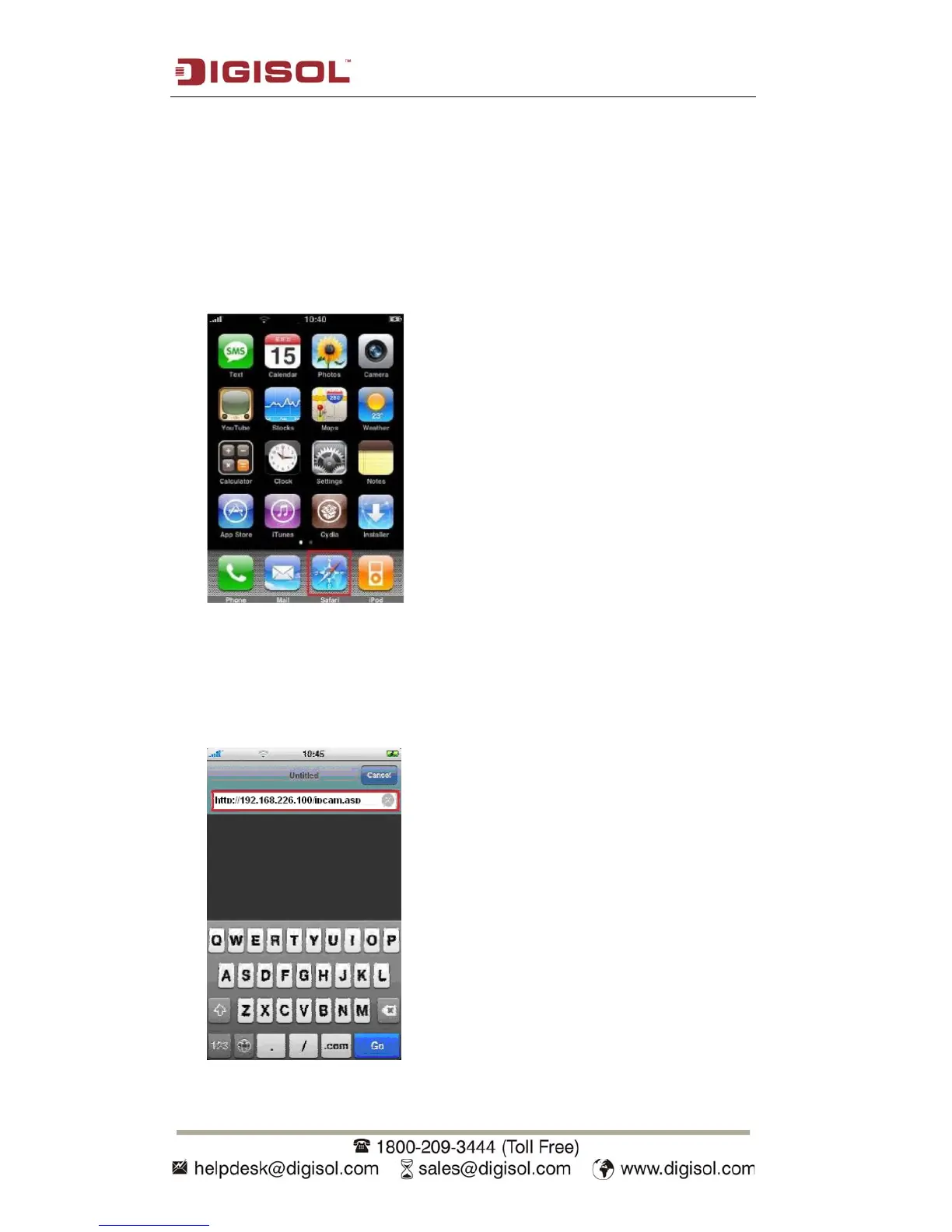
1. Launch Safari web browser
2.
Input IP CAM’s IP address / host name in safari’s address bar in the following
format:
111.222.333.444/ipcam.asp or hostname/ipcam.asp
Please note that appending ‘/ipcam.asp’ is required.



 To Next Page