DG-SC2100/DG-SC2100W User Manual
35
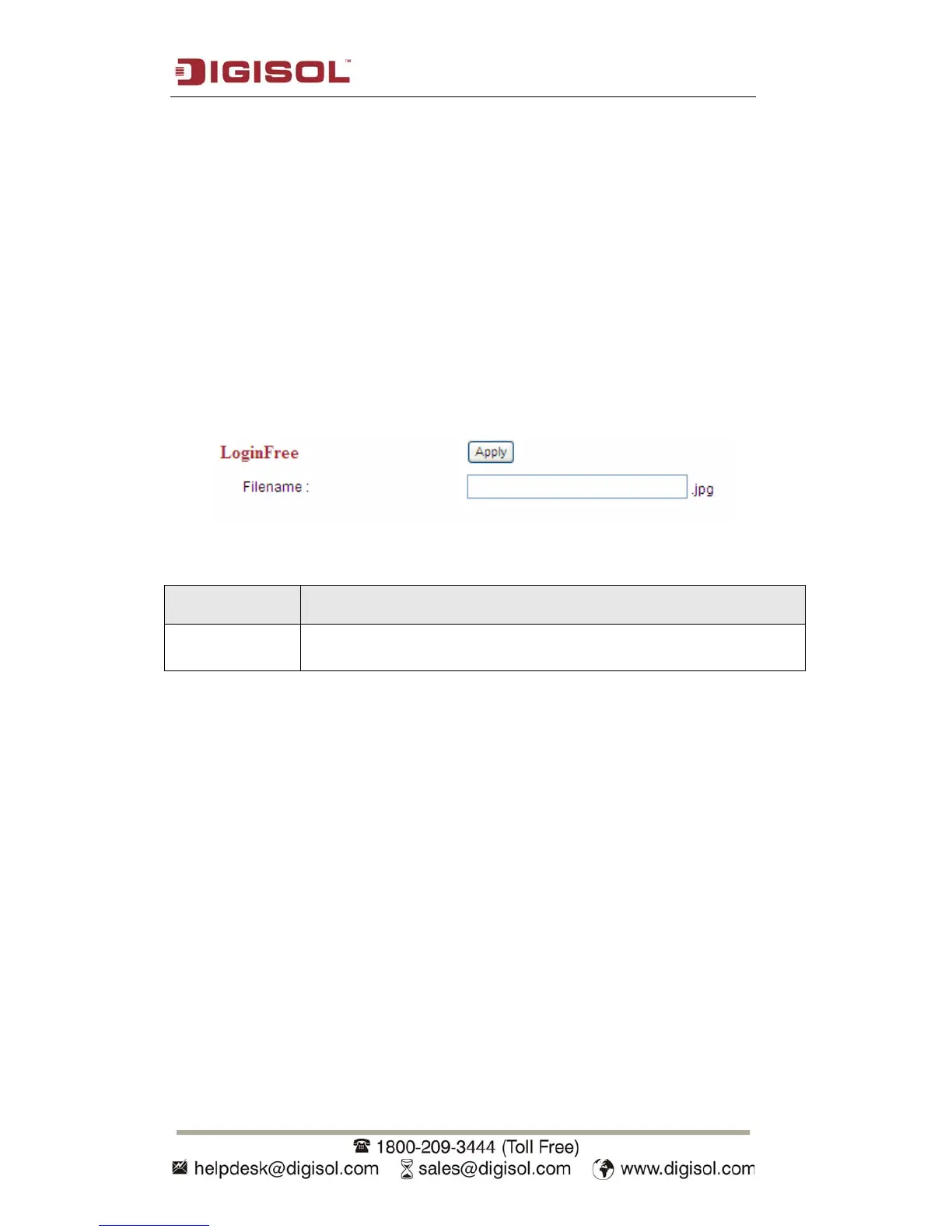
2.2.5 LoginFree
You can specify a filename here and everyone who knows this filename can gain
access to the picture captured by the IP camera with this name with .jpg file extension.
For example, if the filename you specified here is ‘loginfree’ and your IP camera’s IP
address is ‘192.168.2.3’, then everyone on the network can access the picture taken by
the IP camera at ‘http://192.168.2.3/loginfree.jpg’.
This function is for convenience only, and anyone who knows this filename will be
able to see the picture taken by your IP camera. Please think again before you use this
function.
The setting in this menu is described below:
Item Description
LoginFree Specify the file name of the picture here. If you want to disable this
function, leave it blank.
Click ‘Apply’ to save settings and make the new settings take effect.



 To Next Page