DG-SC2100/DG-SC2100W User Manual
83
3.4 Change Display Layout
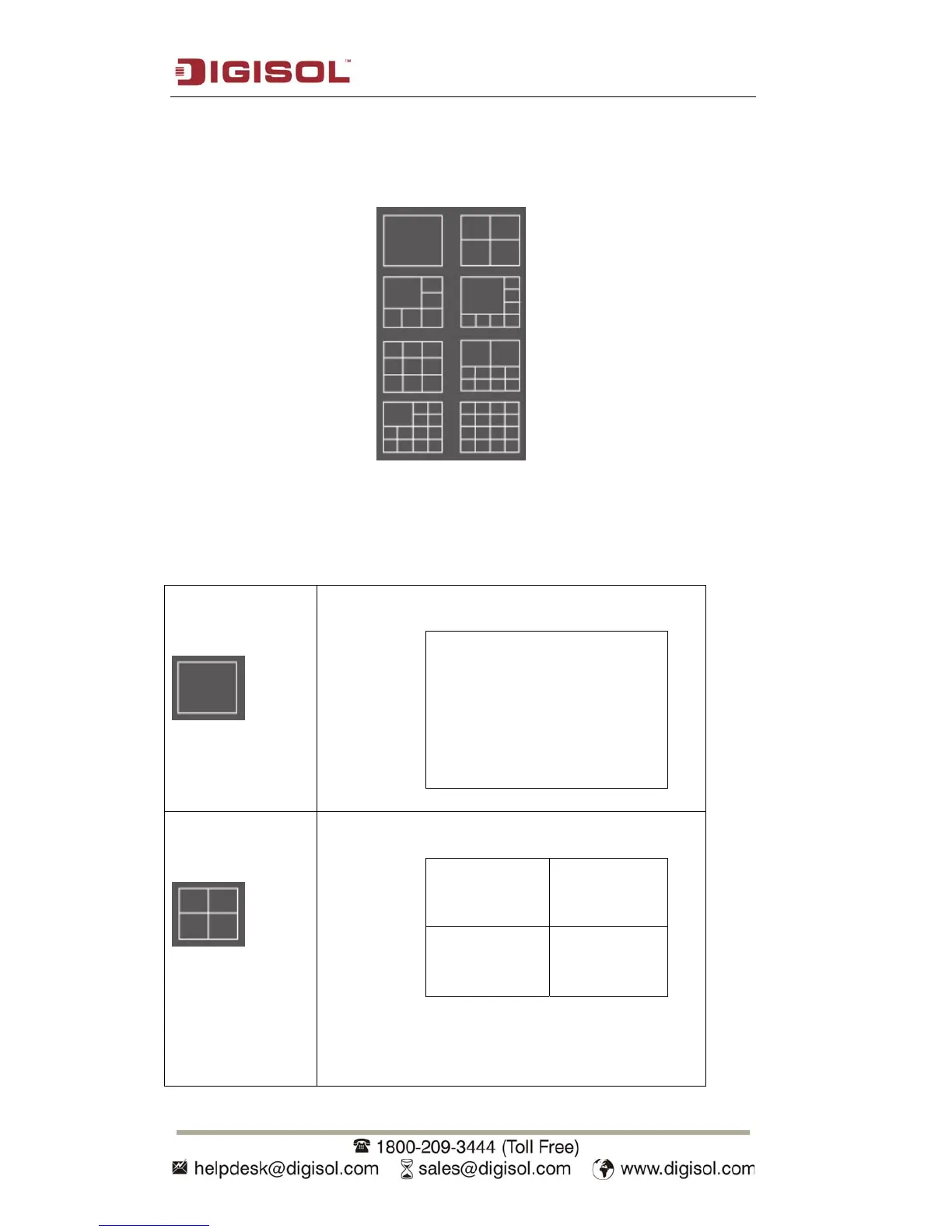
This IP camera surveillance software provides 8 kinds of display layout:
Each layout displays different number of cameras and camera arrangement, you can
click the icon that presents a specific kind of layout, and the video display area will
change accordingly.
Layout style 1: 1
Camera only
Displays the video of 1 camera only.
Layout style 2: 4
Cameras
Displays the video of up to 4 cameras.



 To Next Page