DG-SC2100/DG-SC2100W User Manual
55
2.8 System
The system menu allows you to set some system-specific parameters, like password
and time setting. You can also upgrade the firmware of this IP camera, to make new
functions available on this IP camera. You may also clear all settings or reboot the IP
camera from this menu.
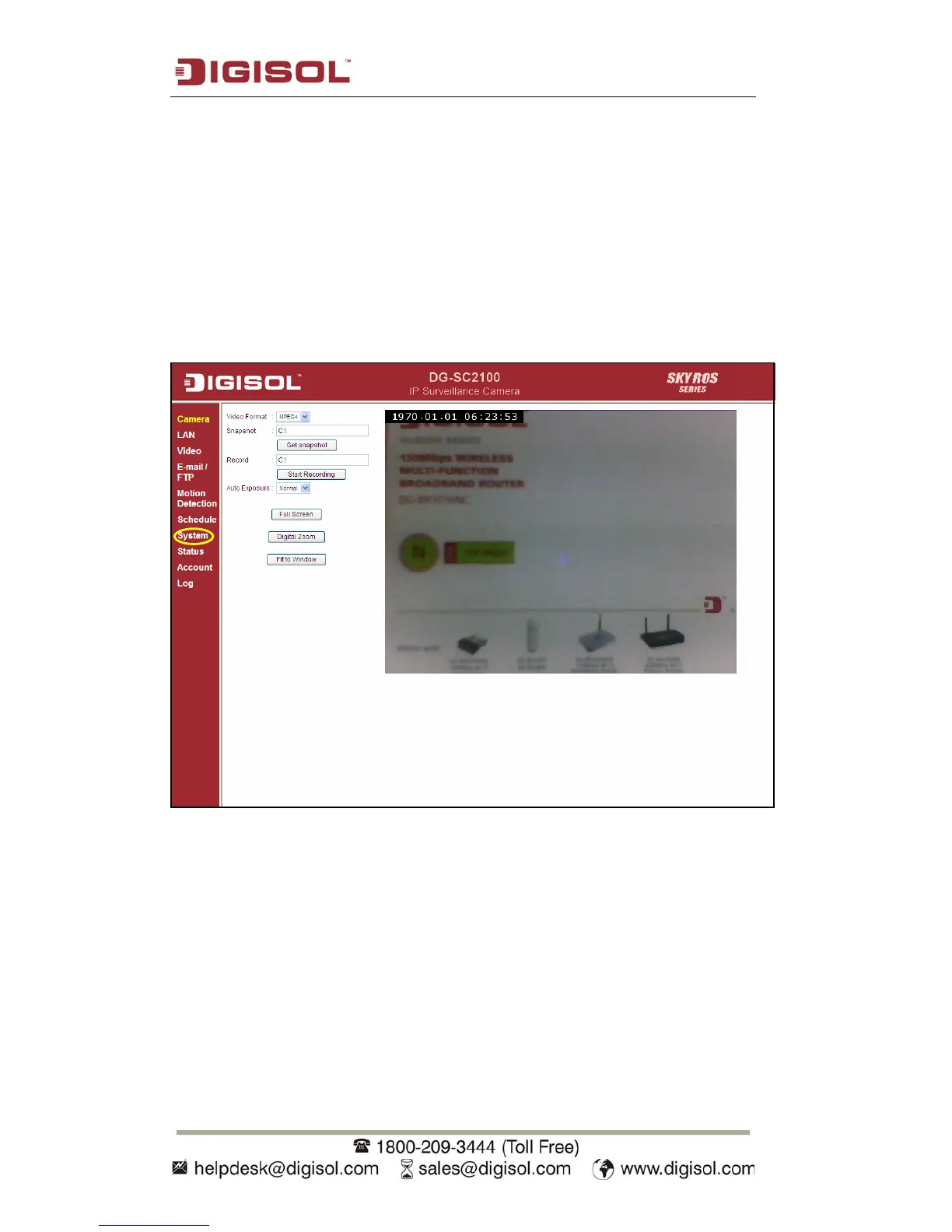
You can access this menu by clicking ‘System’ on the web management interface.



 To Next Page