DG-SC2100/DG-SC2100W User Manual
31
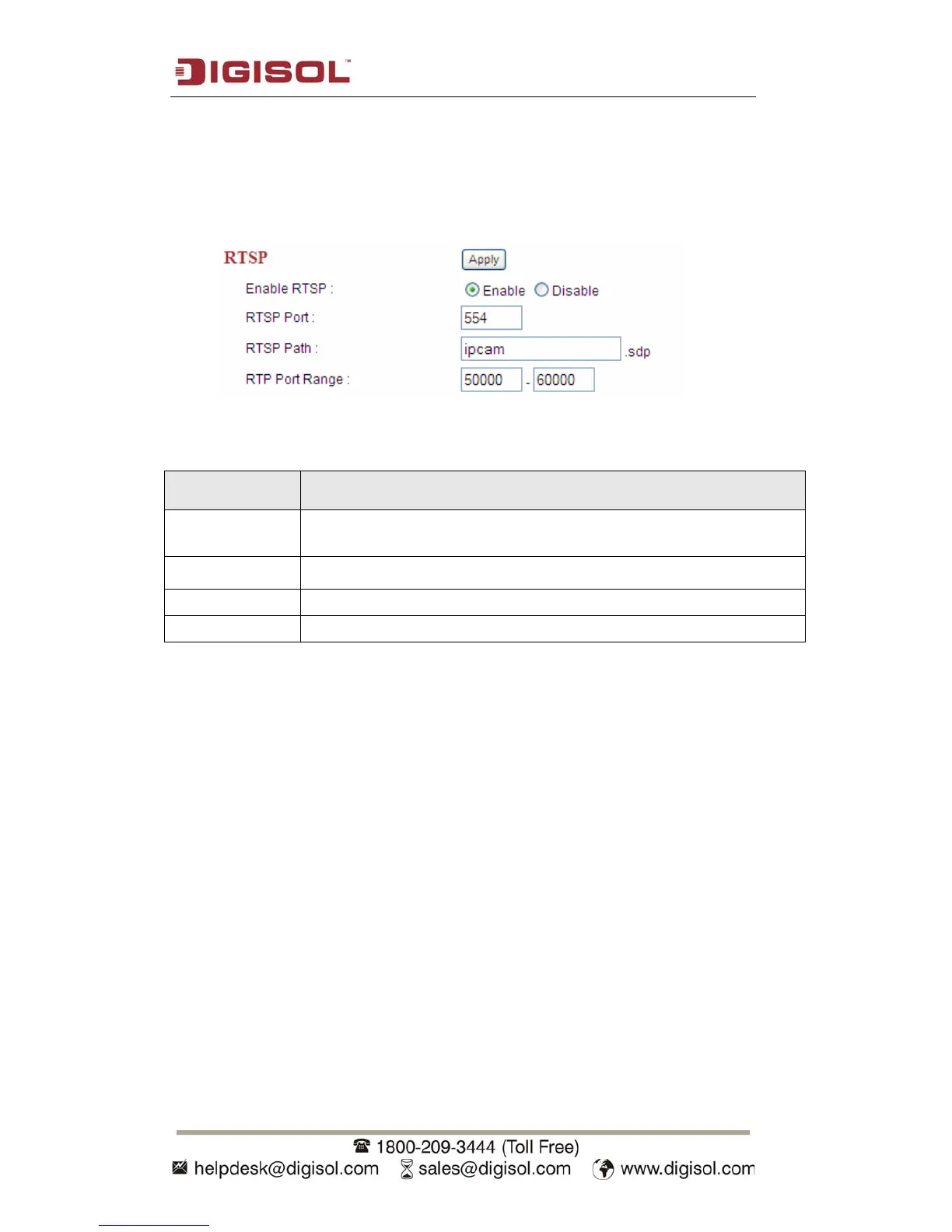
2.2.2 RTSP
RTSP (Real-Time Streaming Protocol) allows you to view live video captured by IP
camera. You can set RTSP related settings here.
The description of every setting in this menu will be given below:
Item Description
Enable RTSP Select ‘Enable’ to activate RTSP function of this IP camera, select
‘Disable’ to disable it.
RTSP Port Input the port number which RTSP will use. Default setting is 554.
RTSP Path Input the path of RTSP stream.
RTP Port Range Input the port range of RTP. Default setting is 50000 to 60000.
Click ‘Apply’ to save settings and make the new settings take effect.



 To Next Page