DG-SC2100/DG-SC2100W User Manual
29
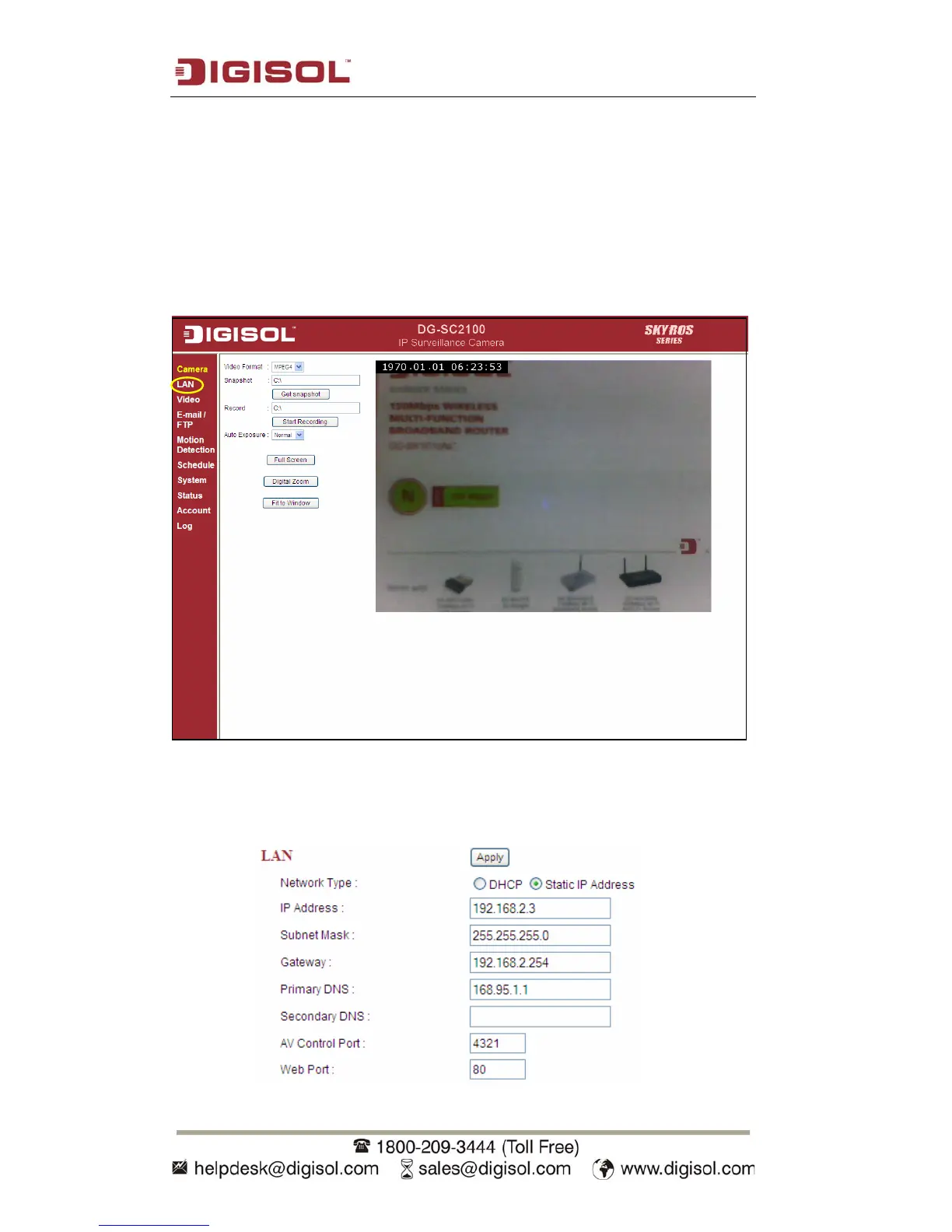
2.2 LAN
All network-related settings can be found in this menu, and you have to specify
TCP/IP parameters in this menu if you want to change IP address, Dynamic DNS and
activate UPnP function.
You can access this menu by clicking ‘LAN’ on the web management interface.
2.2.1 IP address
Y
ou can define the IP address and select the port number you wish to use here.



 To Next Page