DG-SC2100/DG-SC2100W User Manual
25
2 Using Web Management Interface
2.1 Camera Settings
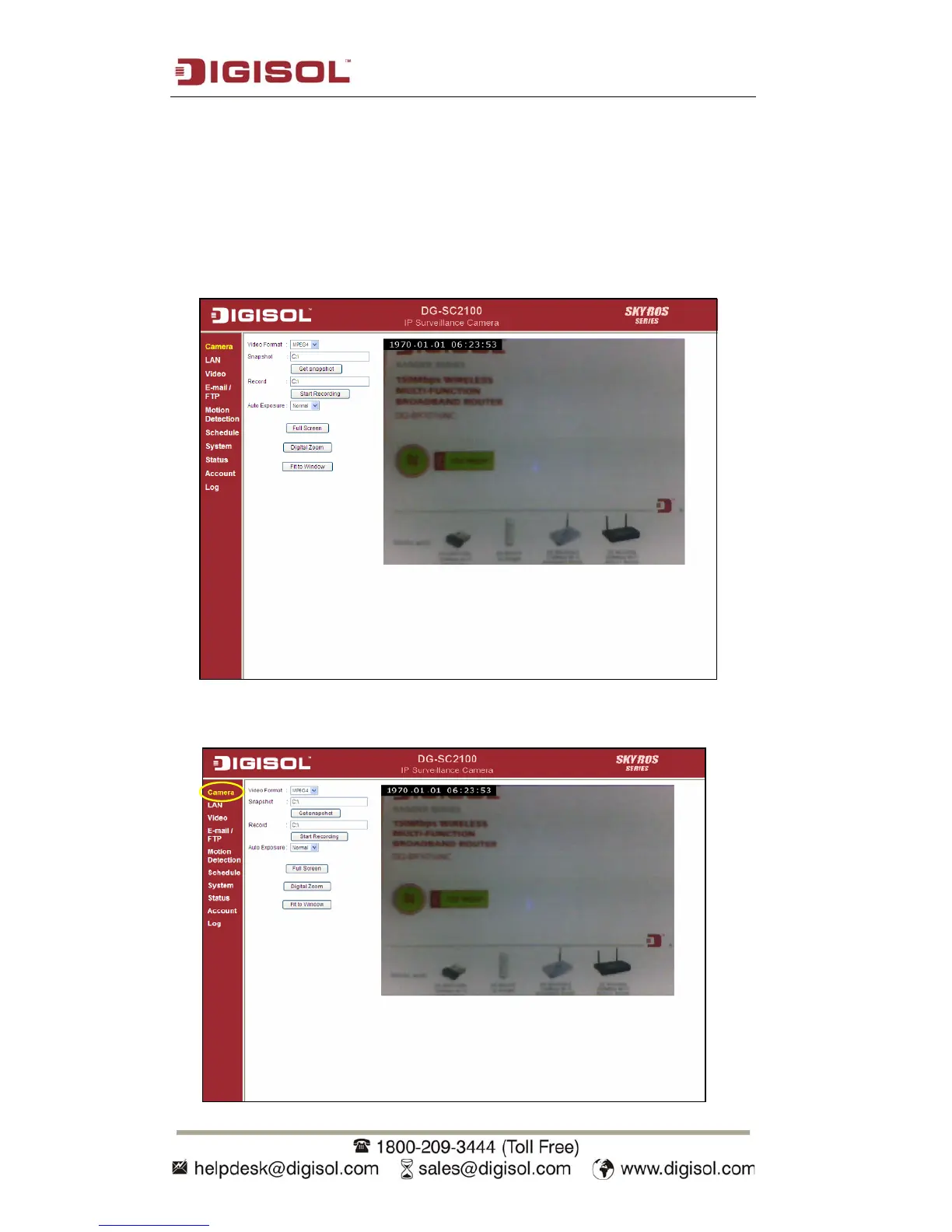
The first menu when you log into web management interface is ‘Camera’, and this is
the only menu where you can see the real-time image from camera.
You can always get back to this menu by clicking ‘Camera’ on the top left of the web
management interface.



 To Next Page