DG-SC2100/DG-SC2100W User Manual
26
The settings in this menu are described below:
Item Description
Video Format Specifies video encoding format. You can choose
MPEG4 or MJPEG (Motion-JPEG).MPEG4 mode
also supports motion detection (refer section 2.4.2).
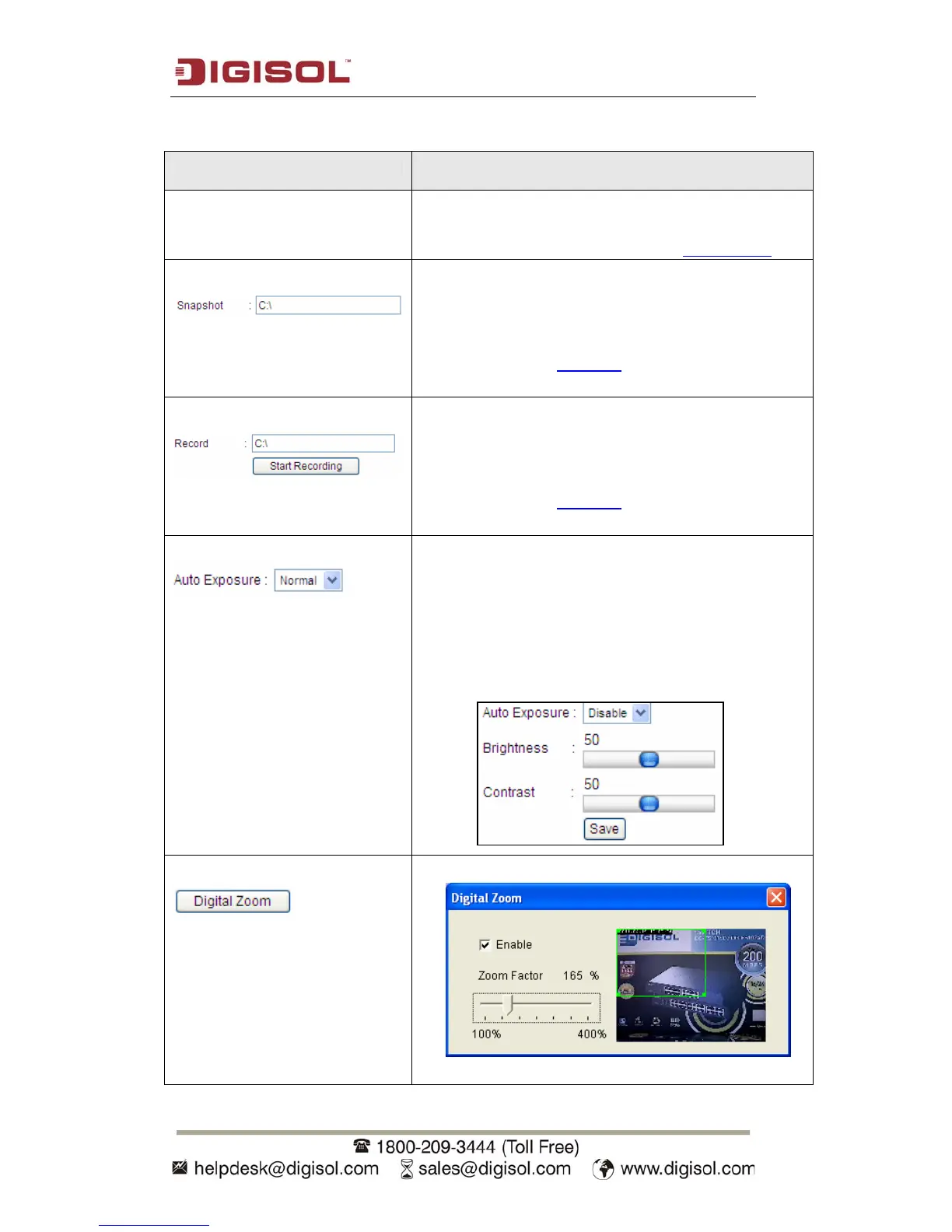
Snapshot Take a snapshot picture and save the picture to your
computer’s hard drive. Click on directory display and
you’ll be prompted to select a folder to save snapshot
file.
NOTE: Please see section 7 for instructions if you’re
using Windows Vista or Windows 7.
Record Start video recording and save recorded video clip to
your computer’s hard drive. Click on directory display
and you’ll be prompted to select a folder to save a
snapshot file.
NOTE: Please see section 7 for instructions if you’re
using Windows Vista or Windows 7.
Auto Exposure
Enable or disable automatic exposure control. There
are 3 levels of automatic exposure control: Dark,
Normal and Bright. Select one of them to control the
brightness of image. Select ‘Disable’ to disable
automatic exposure control. The following settings
will appear. You can manually adjust the brightness
and contrast here.
Digital Zoom
Click this button to enable digital zoom.



 To Next Page