DG-SC2100/DG-SC2100W User Manual
81
3.3.2.3 Security
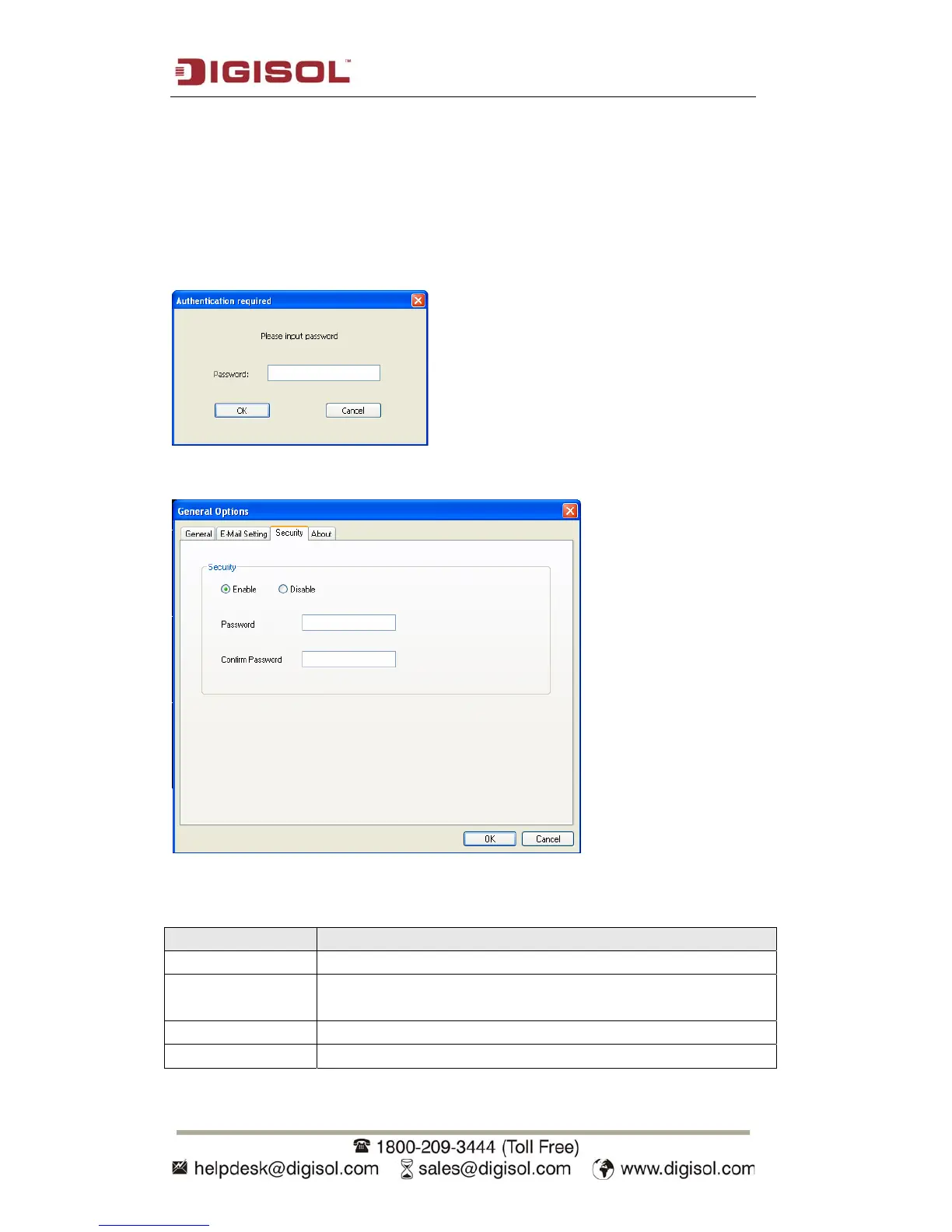
If you don’t want other people to access the SKYROS Surveillance Manager
software, you can set a password to protect it.
You’ll need to input the password every time you wish to use the SKYROS
Surveillance Manager software:
To set password, please use ‘Security’ tab in ‘General Options’ menu:
The settings are described below:
Item Description
Enable Requires password authentication when this software starts.
Disable Password authentication is not required when this software
starts.
Password Input the password you wish to use here.
Confirm Password Input the password you wish to use here again.



 To Next Page