DG-SC2100/DG-SC2100W User Manual
98
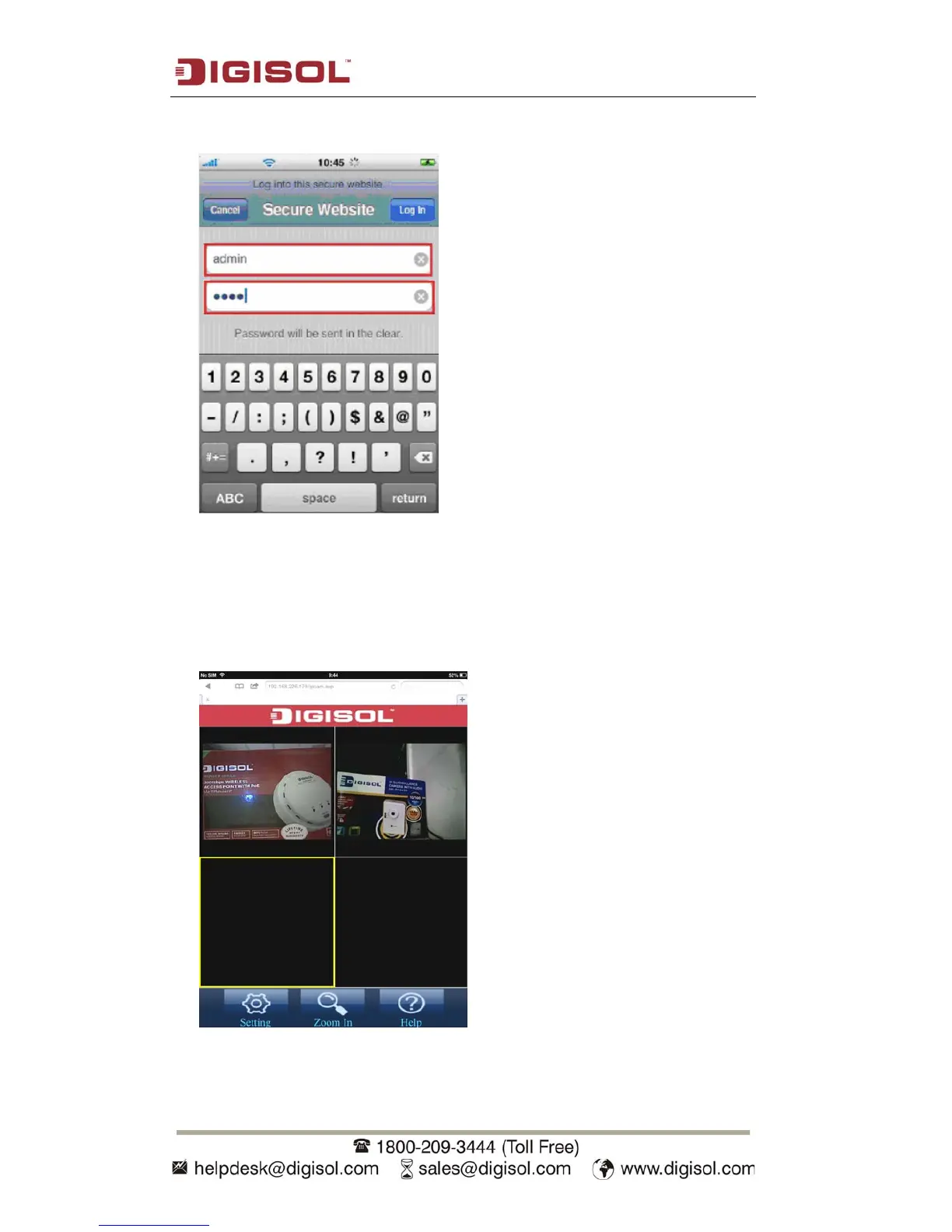
3. Input username / password to login.
4.
You’ll see the image of connected camera displayed on upper-left corner of quad-
split screen. If you have more than one IP CAM, you can add other 3 IP CAMs to
the quad-split screen. Click an unused corner and a yellow square will appear to
indicate it’s being marked, then click ‘Setting’.



 To Next Page