DG-SC2100/DG-SC2100W User Manual
99
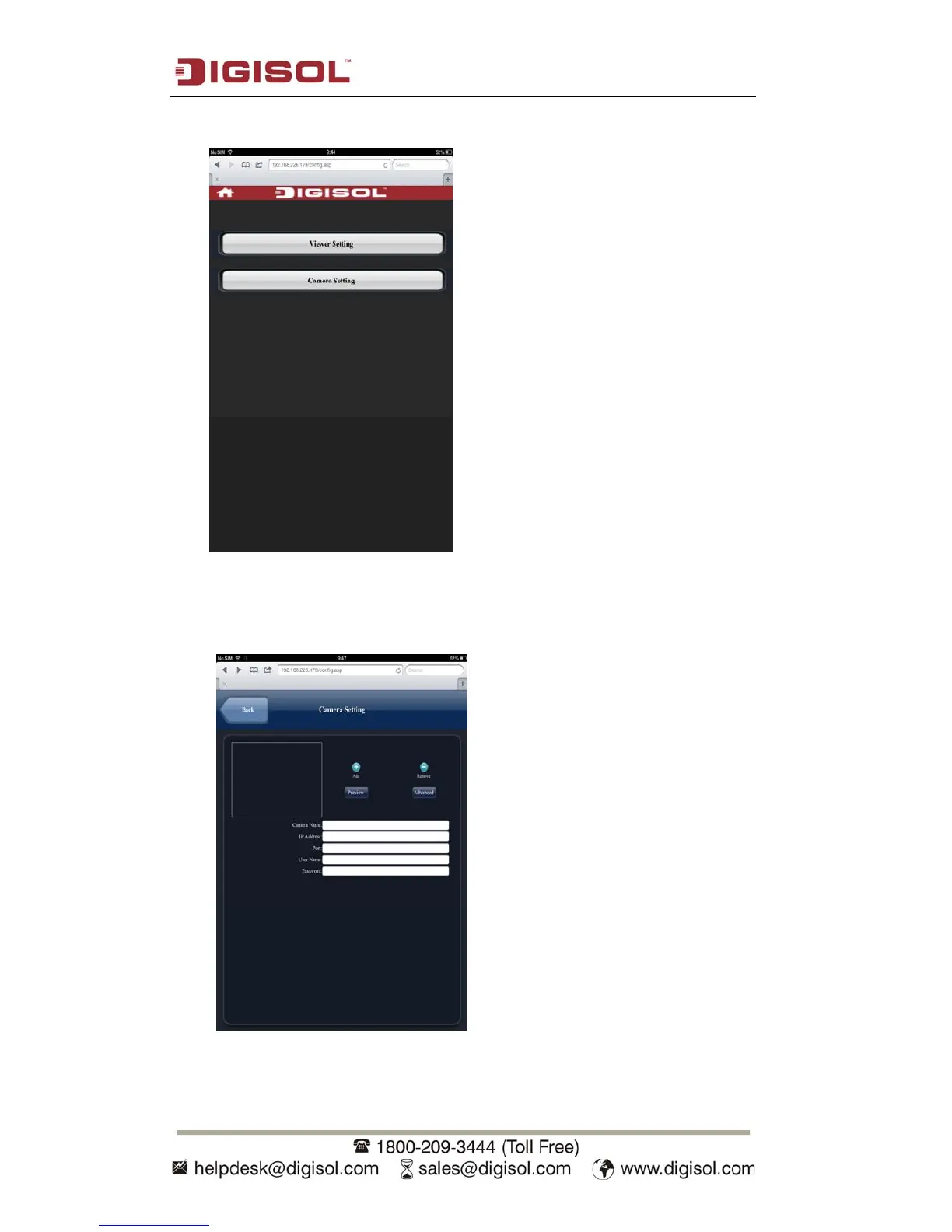
5. Click ‘Camera Setting’.
6.
Input camera’s name, IP address, port number, username and password in
respective field, then click ‘Done’. Please note that these fields are case-sensitive.
You can click ‘Preview’ to check connection.



 To Next Page