DG-SC2100/DG-SC2100W User Manual
61
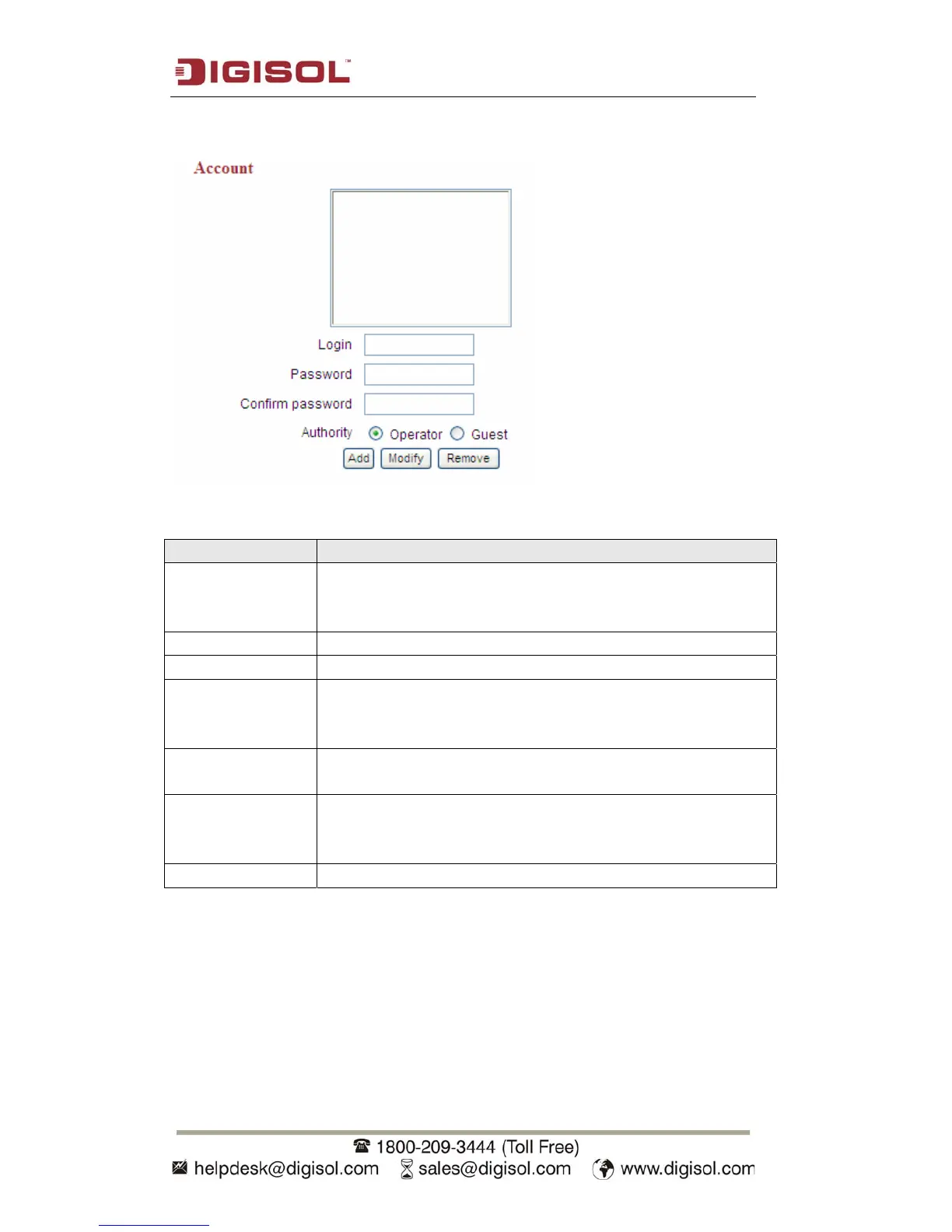
This IP camera supports up to 16 user accounts.
The settings in this menu are described below:
Item Description
Login Specify the user name here. Please use alphanumerical
characters (0 to 9, A to Z and a to z). Not using symbols and
space.
Password Specify the password for this user here.
Confirm Password Specify the password for this user here again.
Authority Select ‘Operator’ and this user will be able to change the
settings of IP camera; select ‘Guest’ and this user can only
view the image.
Add Click ‘Add’ to add a new user with the information listed
above.
Modify To modify the information of an existing user, select his / her
user account, change the information and then click this button
to save changes.
Remove Select an existing user and click this button to remove it.



 To Next Page