DG-SC2100/DG-SC2100W User Manual
72
Username* Input the user name of camera.
Web Port* Input the web port of the camera. By default it’s ‘80’.
Password Input the password of camera. Default value is ‘1234’. You
should change the password if you have changed the password
of selected camera.
Video Format** Select the video encoding format of this camera (MJPEG,
H.264 or MPEG4).
Reset Clear all fields in ‘Camera Configuration’ section.
OK Save settings in this tab.
Cancel Discard all settings in this tab.
*: It is recommended to use ‘Select’ button to fill the content of this field.
**: Only available for cameras that support this function.
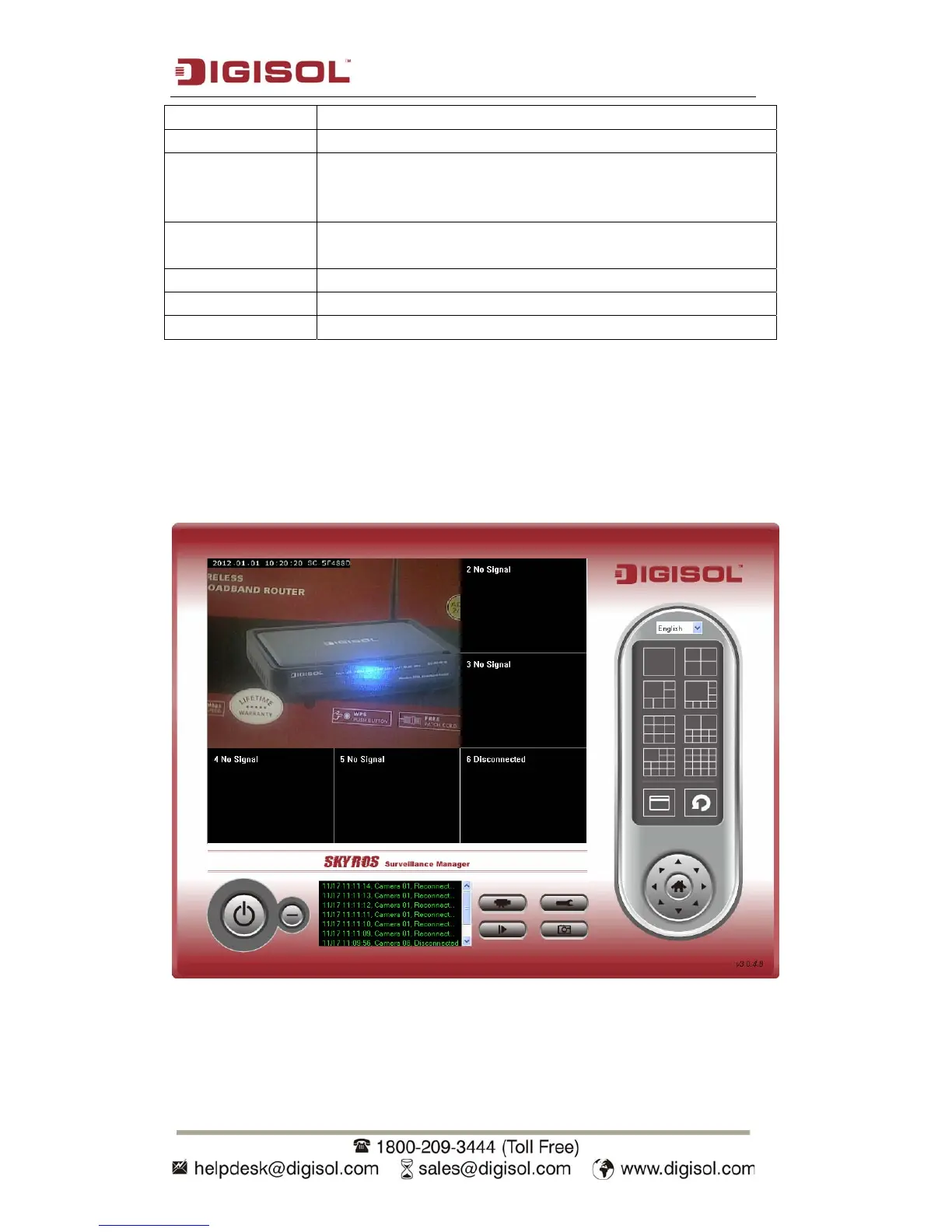
After you’ve configured all channels you wish to set, click ‘OK’ to save the settings,
and if everything’s correct, you’ll see the camera’s image in IP camera surveillance
software’s main menu:



 To Next Page