Document No. CO 004844K
14
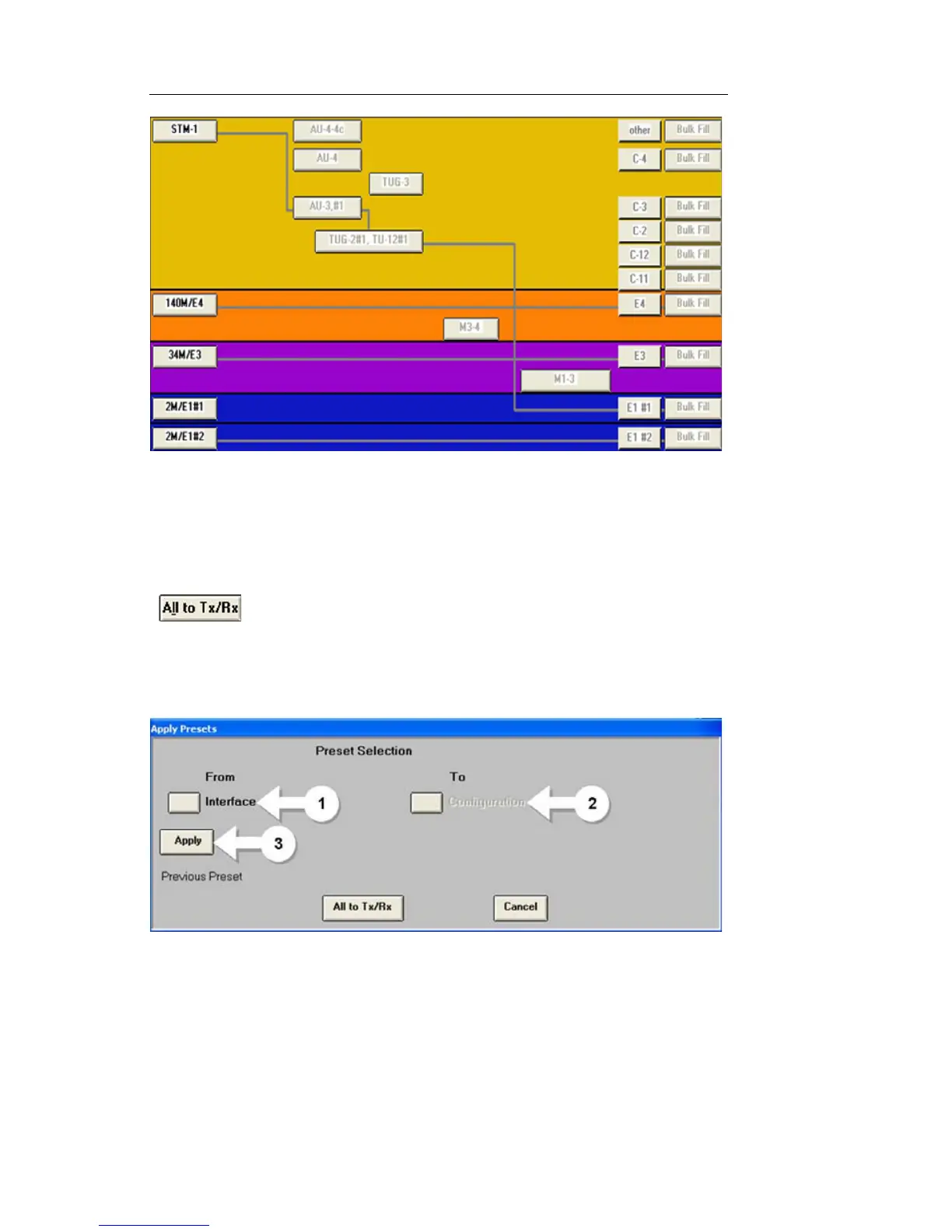
4. To set all PDH/T-Carrier rates for direction connection, select the All
to TX/RX button. This button can be found at the bottom of the
Switch Matrix or in any PDH/T-Carrier tab by selecting Presets at the
bottom of the screen. See figure.
5. To set up drop/insert configuration, select Presets at the bottom of
any PDH/T-Carrier tab, then follow these steps. See figure.
a. Select Interface and select the physical interface (e.g. OC-
48, STM-4, etc.)
b. Select Configuration. This is the PDH/T-Carrier rate to
which you would like to drop/insert (e.g. DS1#1, DS1#2,
E1, etc.). Note that the LI (Line Interface) menu items will
drop/insert to the external port.


 To Next Page
 Loading...