NIC Quick Reference Guide
11
OTN Testing Quick Start
The following steps outline the basic procedure for setting up a
test on an OTN interface. A number of different modules sup-
port OTN testing (MSA, NGMR, OMR, etc.). The basic proce-
dure is the same for all but certain steps, names of menu items
and indications differ depending upon which module is being
used. Also, certain specialized functions are not included in this
Quick Start. For full information on test setup, see the Online
Help User’s Guide.
Note: This Quick Start assumes that the test set is fully booted
up and that the device or system under test is connected.
1. Select the OTN tab at the top of the screen.
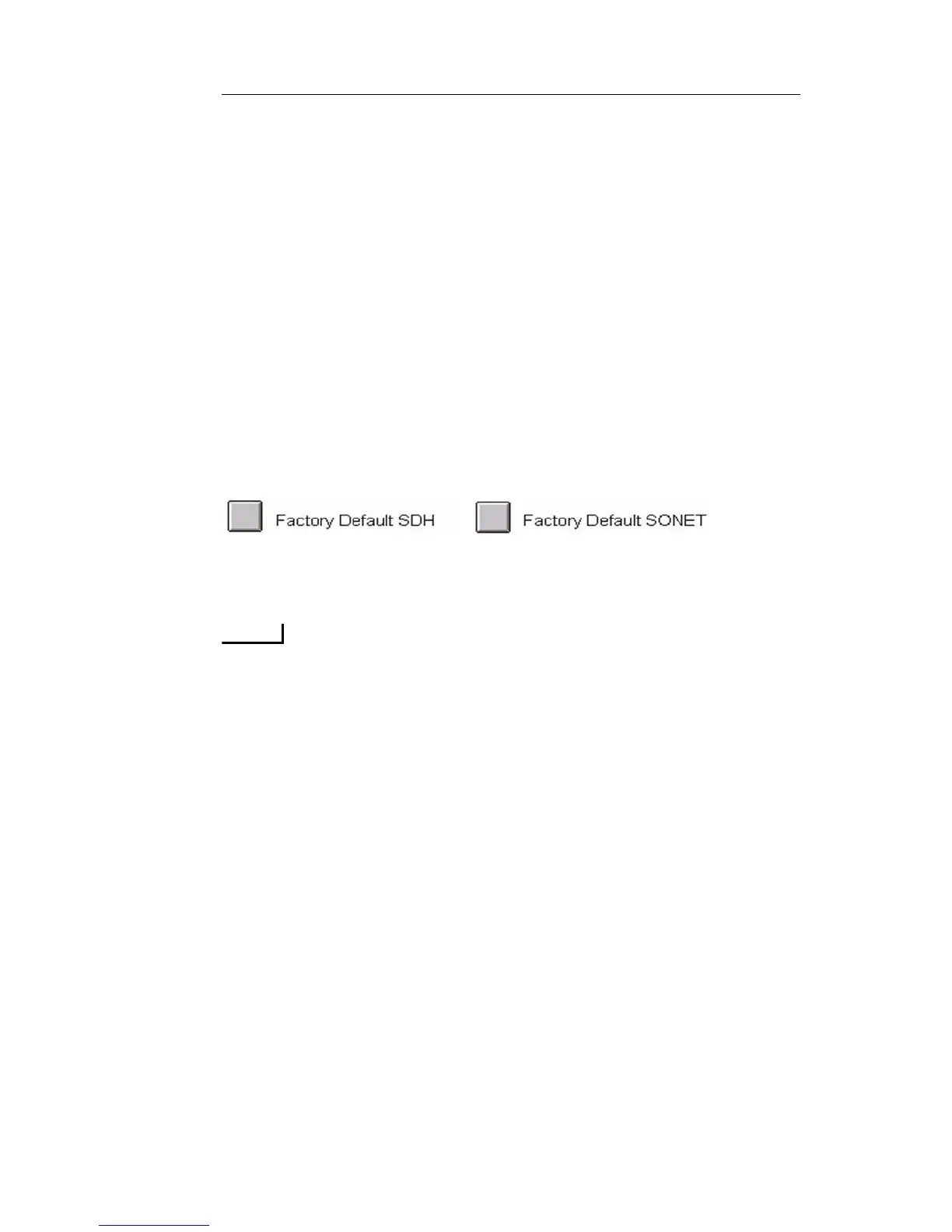
2. It is a good idea to restore the unit to factory defaults before begin-
ning any test. Select Save/Restore, then select Restore This Test Set
and choose either of the two following options:
3. Select Transmit, then Set, then Interface and choose required inter-
face, i.e. OTU-1, OTU-2, OTU-1e, OTU-2e, OTU-1f or OTU-2f.
OTU-1e and OTU-2e carry Ethernet over OTN. OTU-1f and
OTU-2f carry Fibre Channel over OTN.
4. Select Mapping and choose required mapping type to match the
device or system under test.
5. Select Payload and choose required pattern.
6. Select Clock Reference and choose one of the following settings for
the transmit clock:
• Internal (OK when the unit is looped on itself, usually not
appropriate for actual testing)
• Recovered (Sets the transmit clock to match the incoming OTN
optical signal)
• External (Some modules will have several options including
BITS/SET, External 8KHz, External 10MHz, etc.; If external
timing is chosen, then a valid clock signal must be connected to
the appropriate clock input port on the NIC.
7. Turn on laser. The button is located in the upper left of the screen.


 To Next Page
 Loading...