Document No. CO 004844K
60
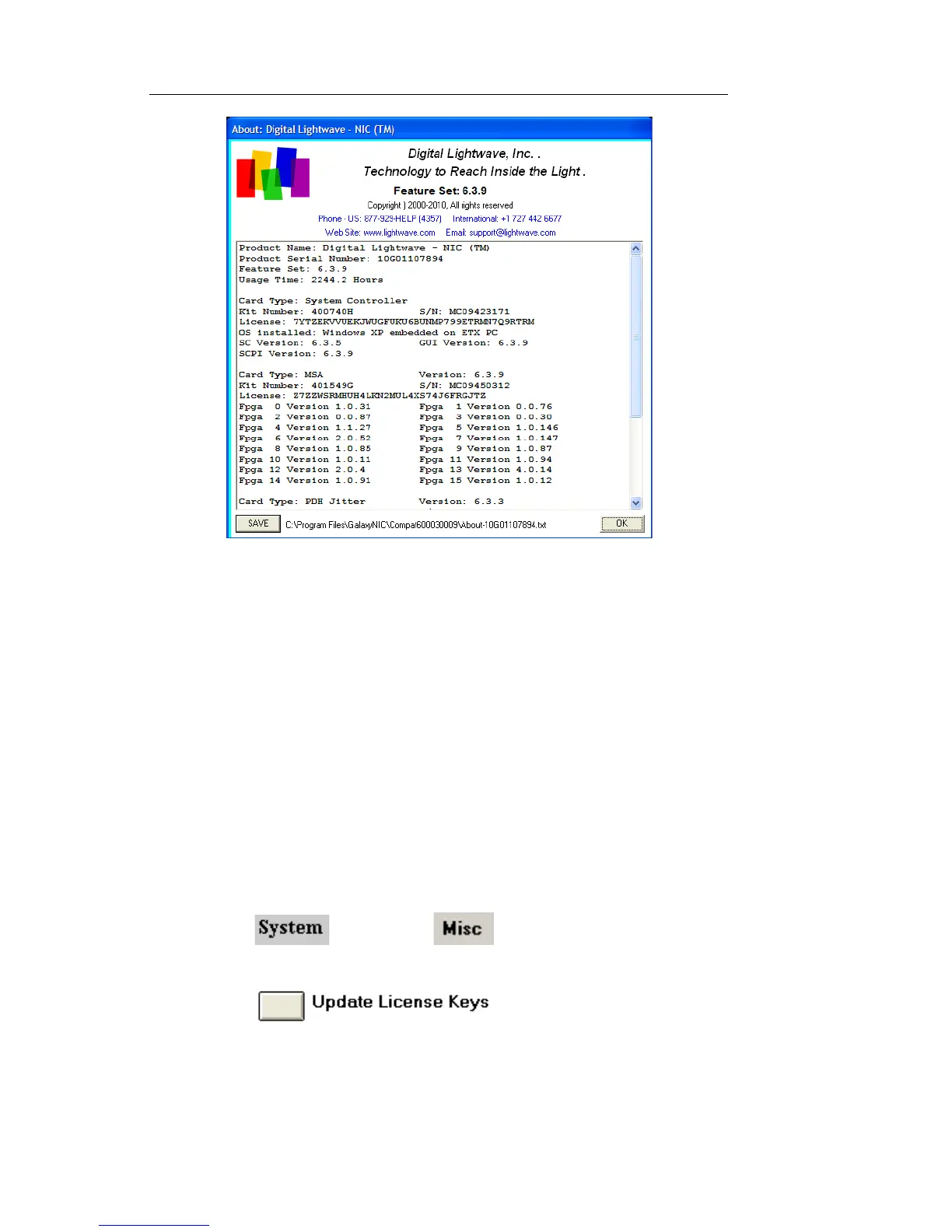
4. Select SAVE to save the About window information to a file.
5. Select OK to close.
Entering a new License Key
The License Key function allows you to enable functionality that you
may not have initially purchased. If you wish to obtain more functional-
ity for your test set, contact your Digital Lightwave sales representative
for available options and a price quotation. After receiving your pay-
ment, a Digital Lightwave Customer Service representative will provide
you with an updated License Key to activate the requested feature(s).
To enter a new license key:
1. Select and choose . The Miscellaneous
functions appear.
2. Select . The Update License Key
menu appears listing each of the circuit packs in the NIC unit that
can be licensed.


 To Next Page
 Loading...