Document No. CO 004844K
50
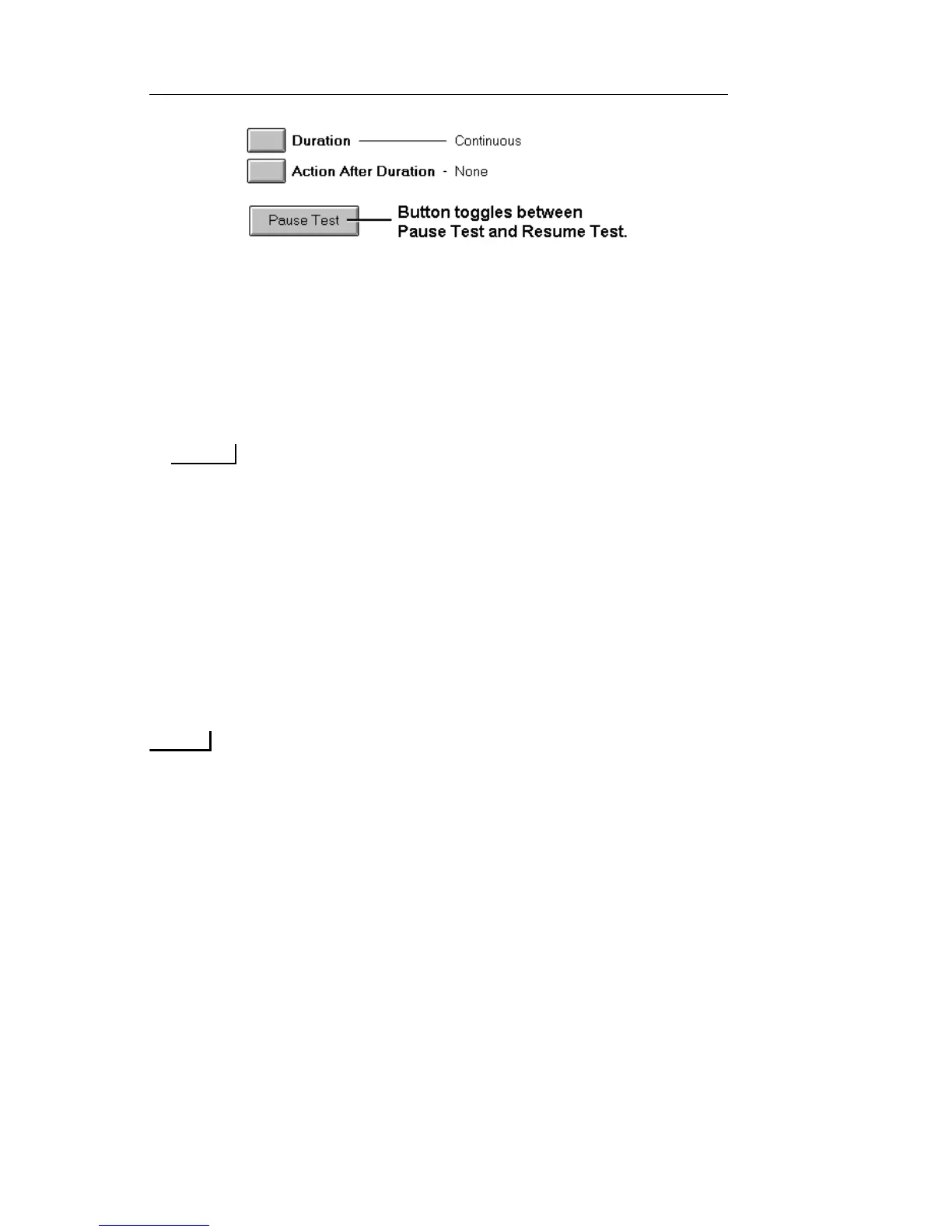
• To pause a test, select Pause Test. When Pause is selected, the
system will stop collecting data, but the elapsed time counter
will continue. Additionally, when Pause is selected, a red Test
Paused LED will appear in the LEDs/Quick Status area.
• To resume the test, select Resume Test. The Test Paused LED
turns white with red text, indicating that a pause has previously
occurred. A restart or new test will clear the LED’s history.
The events occurring while in pause mode will be recorded in the
Event Log.
Printing a Real-Time Test
A real-time test records and generates a report of any events (alarms,
errors, or power interruptions) that occur while the test set is monitoring
a customer's circuit. The reports, generated in real time, can be sent to
an attached printer, a file, or both.
Real-time test reporting is only available locally (from the touchscreen)
on portable test sets.
The report contains the following information:
• A user-defined header
• A brief list of product settings
• Test start time and date
• Event activity as it occurs during the test
• A "print alive" message, which can be configured at a specified
time to ensure the user that the real-time test is still active
• A statistical report, produced at the conclusion of the test, pro-
viding a summary of reported events. If no events occur during


 To Next Page
 Loading...