These configuration settings DO NOT persist after the test set has been
rebooted.
To terminate email alerts:
1. Select and choose . The User Preference
screen appears.
2. Select and choose OFF.
Using Alarm Beeper Status
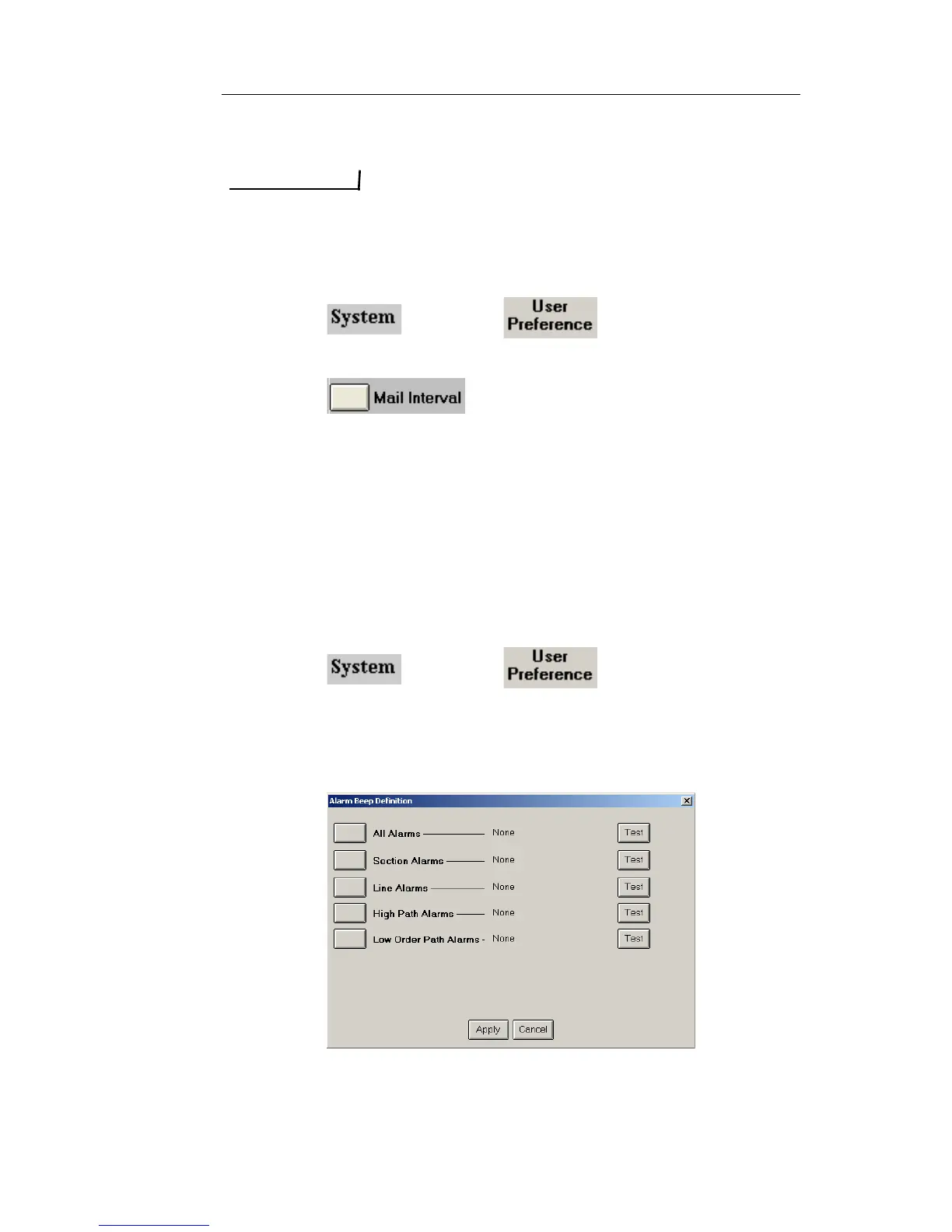
WAV file sounds can be associated with an alarm event. When using
the test set’s touch screen, a total of 10 sounds are available. When
using the Remote Control Application, up to a total of 16 sounds can be
used. This includes customized WAV files that can be copied to your
Remote Control’s installation directory on your PC.
Assigning WAV Files to an Alarm
1. Select and choose . The User Preference
screen appears.
2. Select Alarm Beeper Status.
3. Select On or Maintenance. The Alarm Beep Definitions appear.
4. Select an alarm type. The Select Alarms Sound dialog box
appears



 To Next Page