NIC Quick Reference Guide
53
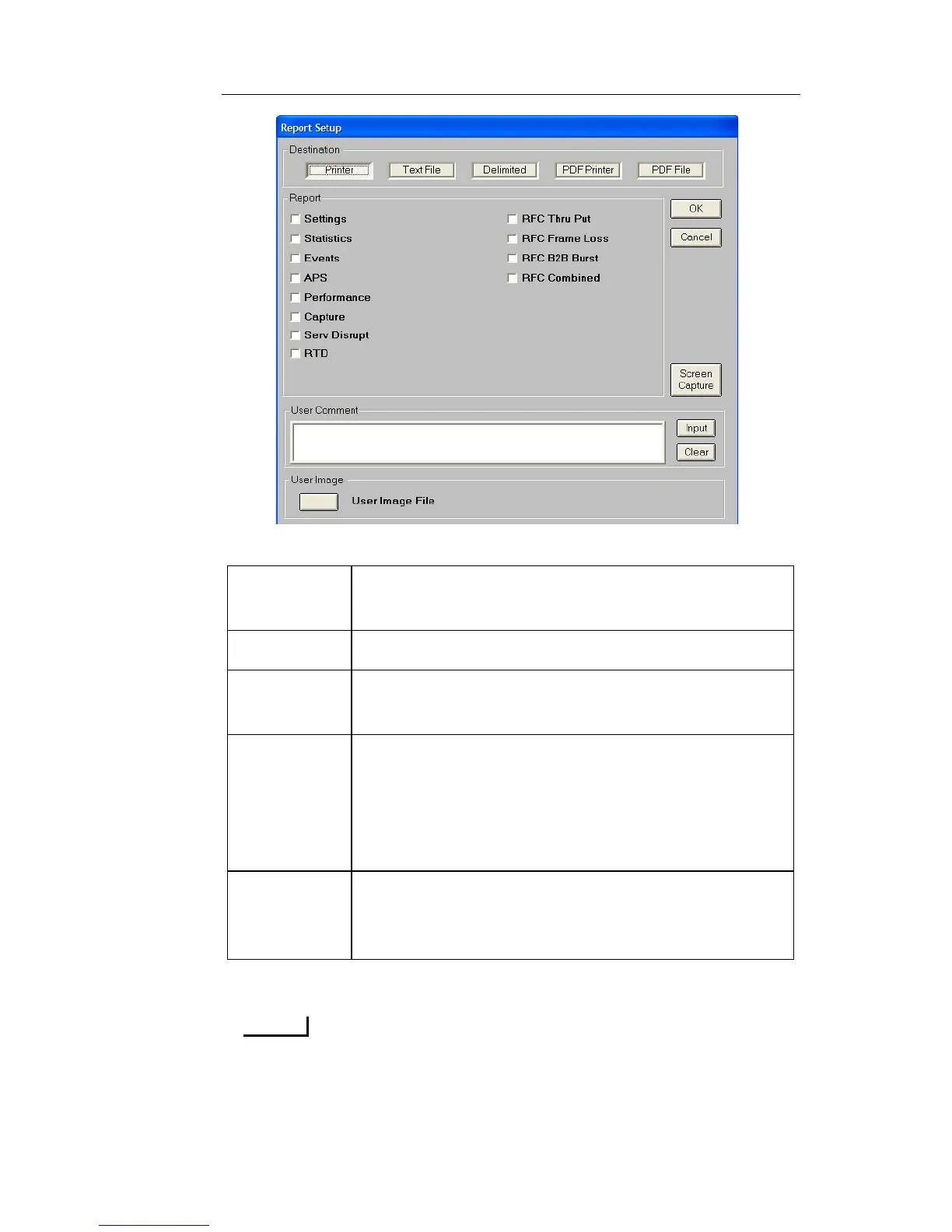
2. Select the Destination Printer or File type.
3. Choose the Report type to be printed or saved.
The most common report is the Statistics report, which contains a
complete list of error and alarm statistic information as well as
other counts that pertain to the test performed.
Printer The selected report is sent to either the Parallel
printer port or the USB printer port.
Text File The selected report is saved as an ASCII text file.
Delimited The selected report is save as a text file, using
Comma Delimited (CSV) file format.
PDF
Printer
The selected report is sent to either the Parallel
printer port or the USB printer port. The format of
the report is similar to the PDF file which allows a
User Image file (such as your company’s logo) to be
printed at the top of the report.
PDF File The selected report is saved as a PDF file, and this
format allows a User Image file (such as your com-
pany’s logo) to be saved at the top of the report file.


 To Next Page
 Loading...