Digitize Inc. Det-16 Programming Utility
700271-0001 Rev. G 05/13 37
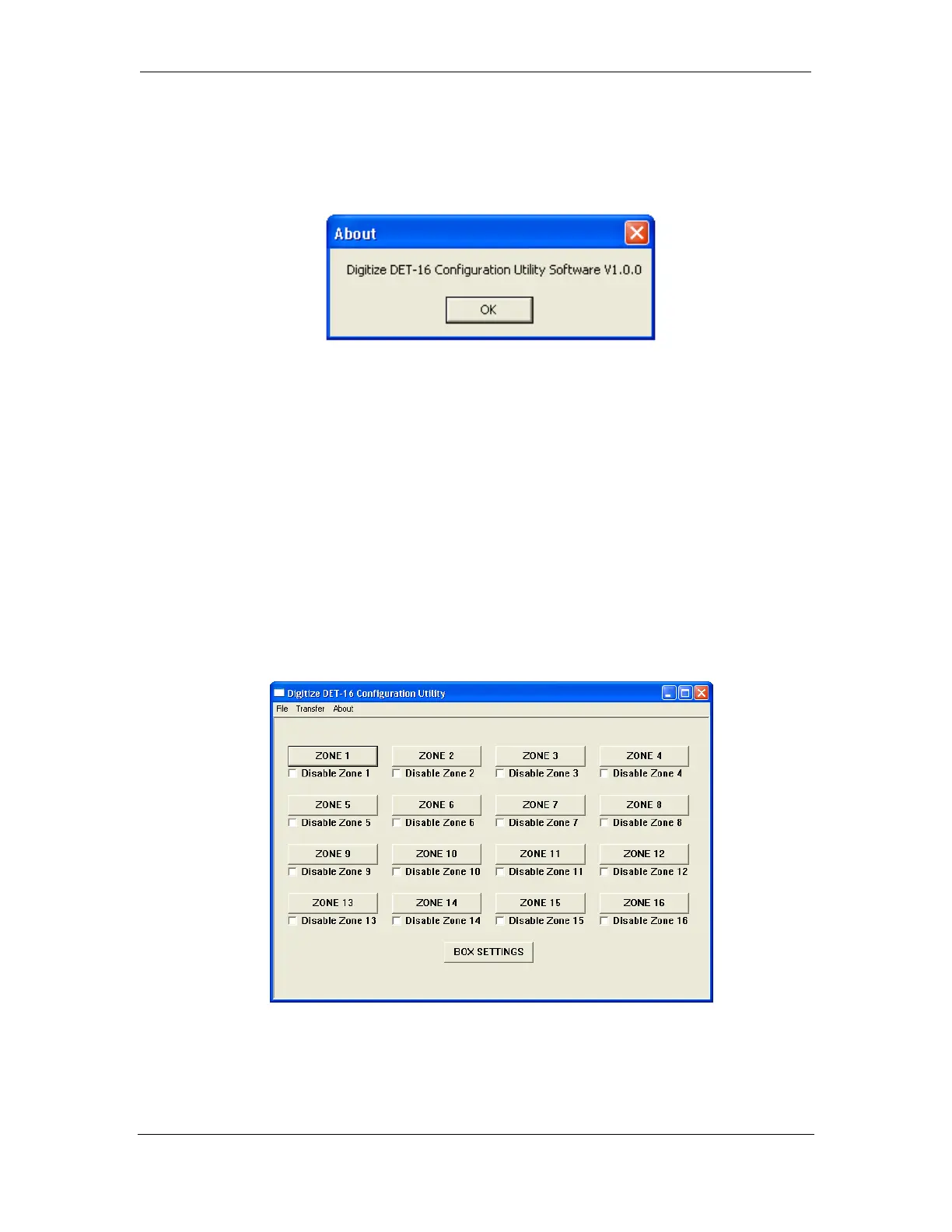
6.3.3 The About Menu
The About Menu displays the version information for the Det-16 programmer.
6.3.4 Editing a Det-16 Configuration
The source of the configuration can come from three places.
• A new configuration set to the default values.
• A configuration downloaded from a Det-16 panel.
• A saved configuration loaded into the programmer
Once the required configuration has been loaded, the main screen of the programmer will be
displayed.
6.3.5 Main Screen
Zones (1-16) - Each zone has a tab for editing the zone data and a checkbox for disabling the
zone.


 To Next Page