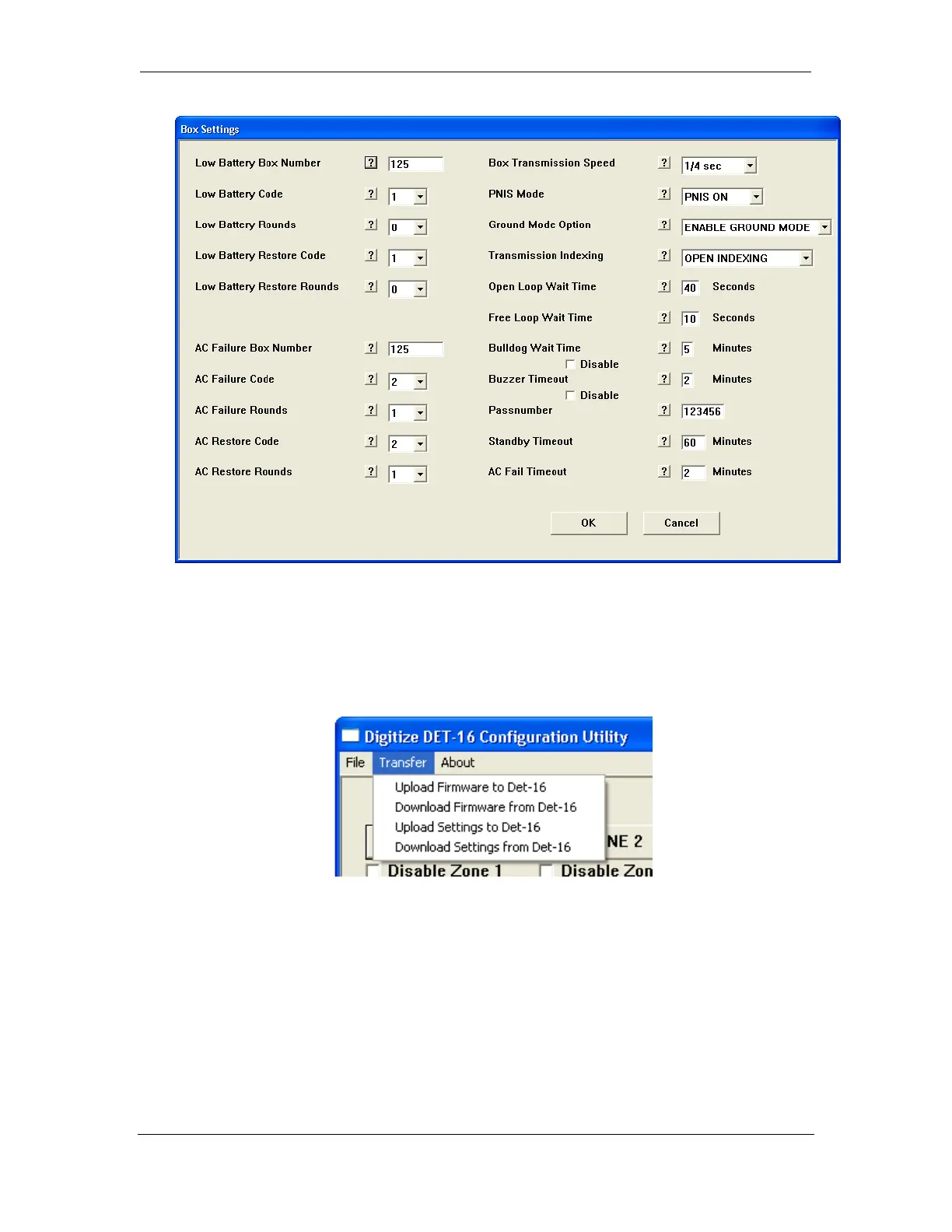
Digitize Inc. Det-16 Programming Utility
700271-0001 Rev. G 05/13 39
6.3.8 Uploading Firmware to the Det-16
1. Connect a USB cable from the ZDet-16 panel to the laptop computer.
2. Select “Upload Firmware to Det-16” from the Transfer Pull down Menu.
3. Select the file containing the firmware you wish to upload to the Det-16, the hit “Open”.


 To Next Page