Det-16 Programming Utility Digitize Inc
42 700271-0001 Rev. G 05/13
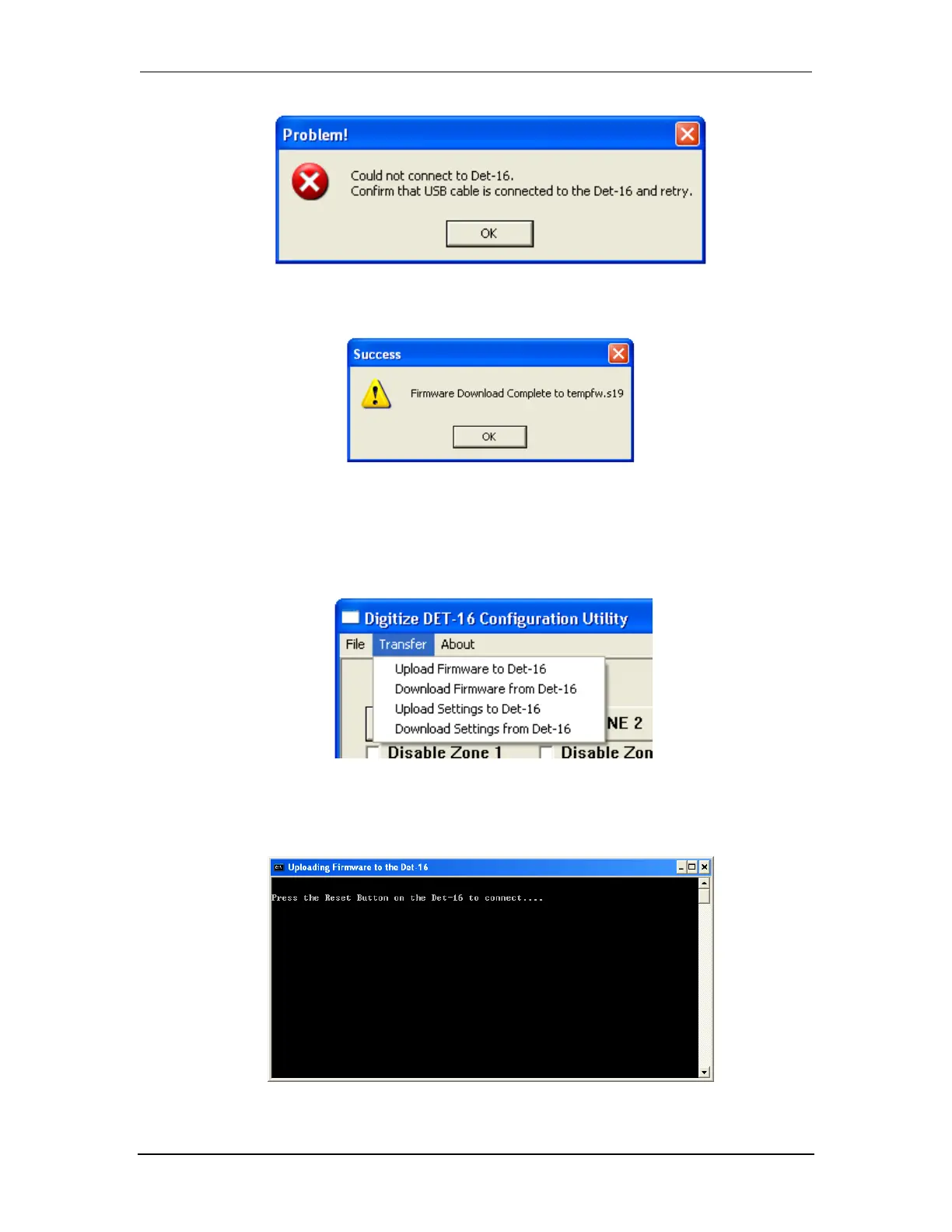
5. The following window signals the successful end of the download procedure.
6.3.10 Uploading Settings from the Det-16
1. Connect a USB cable from the Det-16 panel to the laptop computer.
2. Select “Upload Settings from Det-16” from the Transfer Pull down Menu.
3. A new window will open. Press the Reset button on the Det-16 panel to start the upload.


 To Next Page