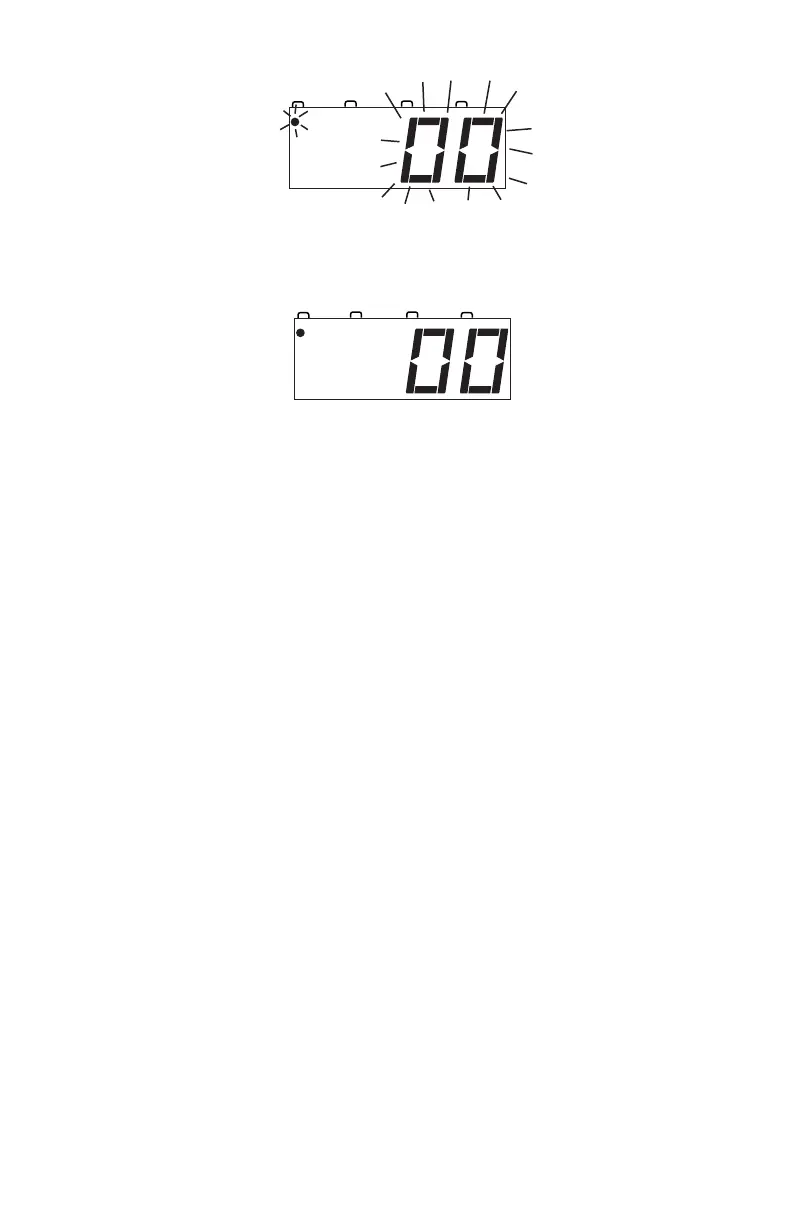
5. Press the LOCO Key again to confirm your selection and set address
00 on the throttle. The display will stop blinking and you will have
control of the analog locomotive.
6. Set the Direction Control Lever to FORWARD and turn the
Throttle Knob clockwise slowly to increase the speed of the analog
locomotive. As the speed increases, the locomotive on the track will
begin to move. The direction of an analog locomotive is determined
by track polarity not by the DCC signal so, forward may not mean
forward for your analog loco. The DCS50’s TRACK STATUS
Indicator should slightly change color as you change the speed set-
ting.
7. Change the Direction Control Lever to REVERSE and the loco will
move in the opposite direction.
8. Change the Direction Control Lever to the BRAKE position and the
loco will slow down and stop. Move the Direction Control Lever
back to FORWARD or REVERSE and the loco will move again.
9. Turn the Throttle Knob to STOP and the loco will stop moving.
10. If you have a headlight installed in your loco, it will be on because
with DCC there is constant power to the track.
9.0 Run A DCC Equipped Locomotive
Before your run your first DCC equipped locomotive, there are a few things
you need to know:
1. Each DCC decoder has a unique address that is used by the system to
send commands to that decoder. The address is remembered by the
decoder in the loco until you change it.



 To Next Page