15.2 Brake Operation
To use the pre-set braking rate to stop and start a locomotive:
Move the DIRECTION LEVER to the BRAKE position and the loco
will slow down to a stop at the brake rate you have set up in the
DCS50. As the loco slows down, the BRAKE Indicator will blink.
Once the loco is at zero speed, the BRAKE Indicator will be on
steady to let you know that the brake is on.
Move the DIRECTION LEVER to the FORWARD or REVERSE posi-
tion and the loco will accelerate at the programmed brake rate to the
speed on the THROTTLE KNOB. As the loco accelerates, the
BRAKE Indicator will flash during acceleration and go off when the
loco has reached the speed on the throttle knob.
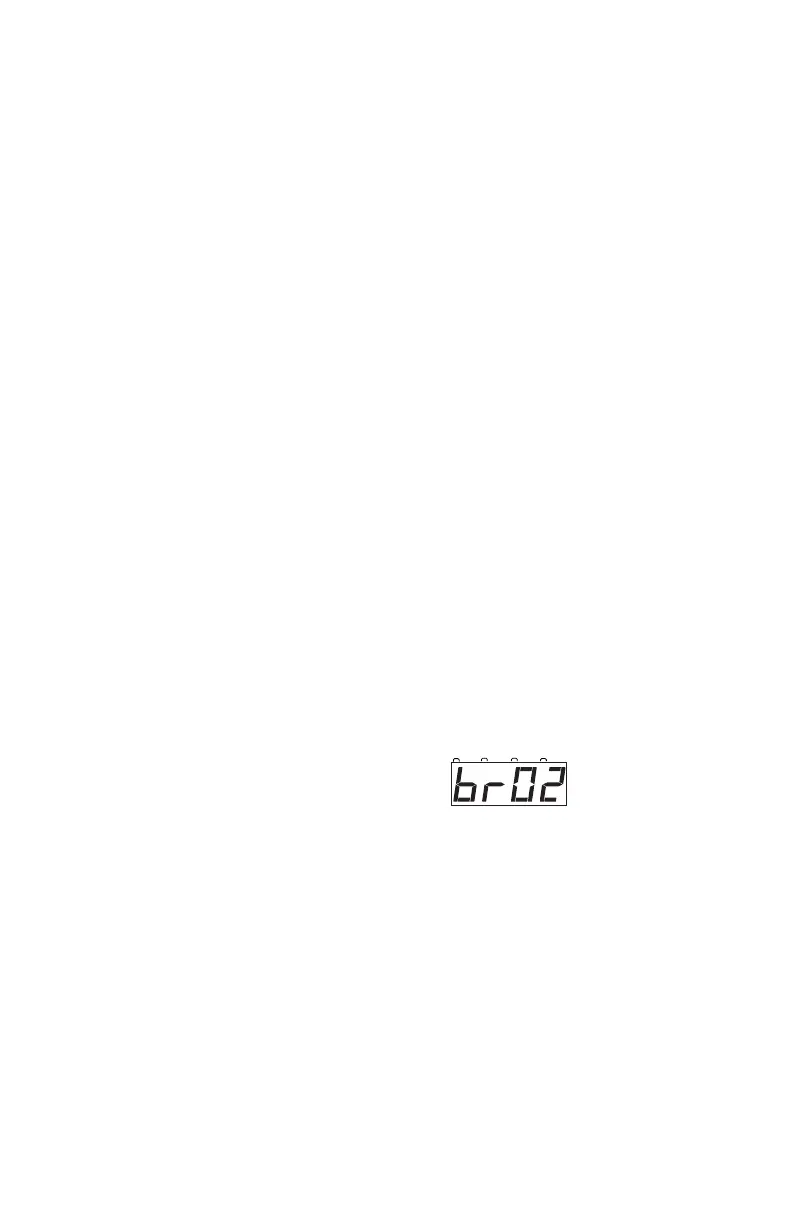
The DCS50 is shipped with the brake rate set at 02. This gives a small
amount of deceleration when the brake is applied and a small
amount of acceleration when the brake is released.
To change the brake rate:
1. Press the PROG Key. The display shows the last programming mode
used.
2. Press the MU Key. The display shows id00.
3. Press the MU Key again. The display shows SPXX where XX is the
current speed limit set for this DCS50.
4. Press the MU Key again. The display shows brXX where XX is the
current brake rate set for this DCS50.
Use the keypad to enter the new
brake rate for the DCS50. Setting
brake rate at 00 turns the brake feature off. A setting of 01 gives
minimal braking and a setting of 15 gives the maximum braking
effect.
5. Press the EXIT Key to set the new braking rate and return to normal
operation.
Braking can also be handled on a loco by loco basis if you set up each decoder
with acceleration and deceleration rates that simulate the scale effects of brak-
ing the train. Then when you command an instant reverse, the system will sim-
ulate braking by slowing down the locomotive at the programmed deceleration
rate, come to a stop & then accelerate at the programmed acceleration rate in
the opposite direction.



 To Next Page